


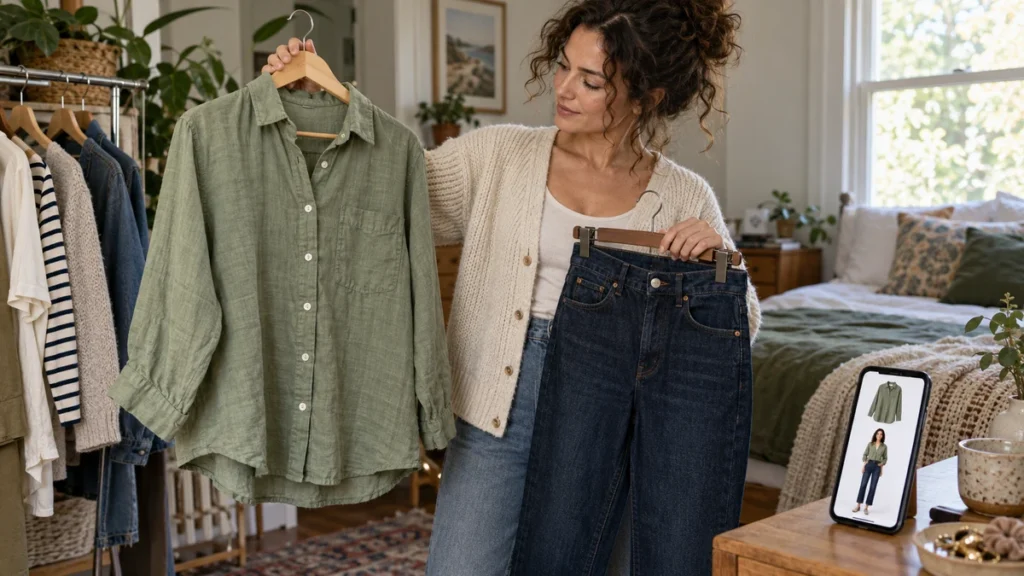
Yes. According to the supplied TryFits AI FAQ, you can try on clothes from a product link by pasting the link into the app and previewing the garment on your digital twin. The FAQ also describes browsing clothes in the app and uploading a garment photo. That gives you a way to investigate a saved shopping find without relying entirely on the retailer’s model photographs.
The useful question is narrower than whether something looks good online: does that particular shirt, dress or jacket make sense on you? A rust cotton shirt might look appealing against a retailer’s white backdrop, yet feel too busy alongside the trousers you actually wear. A preview puts the garment into a more personal visual context.
Think of the link as the starting point, not proof of fit. TryFits AI creates a visual interpretation of the clothing on your body, rather than certifying that a size will sit comfortably at your shoulders or waist. Use it to judge the style, then use the retailer’s measurements and fabric information to decide whether to order.
What a product link adds to virtual try-on
A product link connects your styling question to an actual shopping candidate. Instead of asking for an imagined navy blouse, you can investigate the navy blouse with the gathered cuffs and narrow collar that caught your attention. Those details can change how formal an outfit feels, even when the broad garment category stays the same.
The TryFits AI FAQ says you can create a digital twin using a full-length photo, or a selfie plus measurements. It describes generative AI previews intended to show how clothes might fit, drape and fall on your specific body. Treat those descriptions as the purpose of the preview, not independent evidence of sizing accuracy.
The supplied information does not establish that every retailer or product page is supported. It also does not explain how the app handles pages with several colors, unavailable products or restricted images. Keep the exact item photograph and selected color available so you can check that the preview represents the garment you intended.
Prepare the item before you judge the preview
Choose the exact color and version
Start on the retailer’s page and select the version you are considering. An ivory ribbed cardigan and a charcoal version may share a cut, but they create different contrasts with black trousers. Check whether the listing combines several sleeve lengths, fabrics or patterns under one product page.
After pasting the link, compare the garment represented in the preview with the listing. Look for the neckline, fastening and main color. If a distinctive pocket or print has changed, avoid basing your purchase on that detail. If the link does not provide a usable result, garment-photo upload is another input route described in the FAQ.
Use a photo that makes comparison easier
Follow the app’s current photo instructions first. As a practical photography choice, use even daylight, a straightforward pose and a clear view of your outline. Avoid a mirror angle that stretches your legs or a bulky coat that obscures your torso. These choices reduce visual distractions; they do not guarantee a more accurate result.
Keep the same starting photo when comparing shopping candidates. Changing the camera angle between a striped shirt and a plain one introduces another variable. You want to decide which shirt you prefer, not which photograph has the nicer light. Compare the original photo with the result before studying the clothing.
Ask one styling question at a time
A useful first question is: does this garment give me the look I want? For a cotton poplin shirt, examine whether the crisp collar and broad sleeves feel right for your everyday outfits. If you want something softer under a cardigan, a fluid viscose blouse is a sensible alternative to investigate.
Next, consider a specific pairing rather than an entire imaginary wardrobe. Picture a pale blue shirt with charcoal wide-leg trousers and burgundy loafers. Does the shirt provide enough contrast, or would a deeper blue feel more deliberate? For practical combinations, the guide to tops to wear with wide-leg trousers offers outfit starting points.
Then test the reason you saved the item. If you liked a dress because of its square neckline, focus on that feature. If a cropped jacket appealed because it leaves a skirt’s waistband visible, investigate that relationship. A preview is easier to assess when you have a question more precise than whether the whole image is attractive.
Three shopping examples with different decisions
A patterned blouse for the office
Suppose you have saved a cream blouse with small burgundy checks. Your intended outfit is chocolate straight-leg trousers with dark brown loafers. Preview the blouse to judge whether you enjoy the pattern near your face and whether the combination feels appropriate for your workplace. A plain cream blouse is the practical alternative if you prefer less pattern.
Check the fabric separately. Lightweight viscose can suit a heated office, but the listing should establish whether it needs a camisole. Cotton poplin offers a crisper appearance, although warmth still depends on layering. For a cool commute, plan a fine knit cardigan rather than assuming the blouse itself provides insulation.
A knitted dress for a dinner reservation
A dark olive ribbed midi dress can look appealing in a preview with black ankle boots. Use the image to consider the neckline and overall silhouette. Then check the composition, lining and retailer’s fit notes. A generated image cannot tell you whether the knit feels scratchy, becomes transparent when stretched or restricts your stride.
For a warm restaurant, a lighter knit may be more comfortable than a heavy wool blend. If you want a less body-following option, consider a woven crepe dress with room through the skirt. In wet weather, choose footwear with suitable grip and check the actual hem length before ordering.
A bright overshirt for weekends
Try a cobalt overshirt as the focal point above an oatmeal T-shirt and dark indigo jeans. The preview can help you decide whether you enjoy that amount of blue or would rather choose muted teal. Check the garment’s real measurements against an overshirt you own, especially if you intend to wear a sweatshirt underneath.
Check the purchase details outside the preview
Before checkout, read the size chart and determine whether it lists body measurements or garment measurements. Compare shoulder width, chest width and length where available. Also check care instructions, return conditions and delivery timing. Do not infer water resistance, stretch or warmth from how convincing the rendered fabric looks.
Common questions
Can TryFits AI use a link from any clothing store?
The supplied FAQ confirms product-link input, but does not establish universal store compatibility. Try the exact listing and check the resulting garment. If the link is unsupported or unclear, the FAQ also describes uploading a garment photo.
Will a product-link try-on tell me which size to buy?
Not reliably from the visual preview alone. Use the retailer’s size chart, your measurements and the garment’s fit notes. A convincing image is not proof that a waistband, sleeve or shoulder seam will fit comfortably.
What should I do if the preview changes the garment?
Compare it with the original listing and identify what changed, such as the neckline, print or sleeve shape. Try a clearer garment photograph if appropriate. If the feature driving your purchase remains unclear, use the retailer’s photographs and measurements rather than trusting that part of the preview.