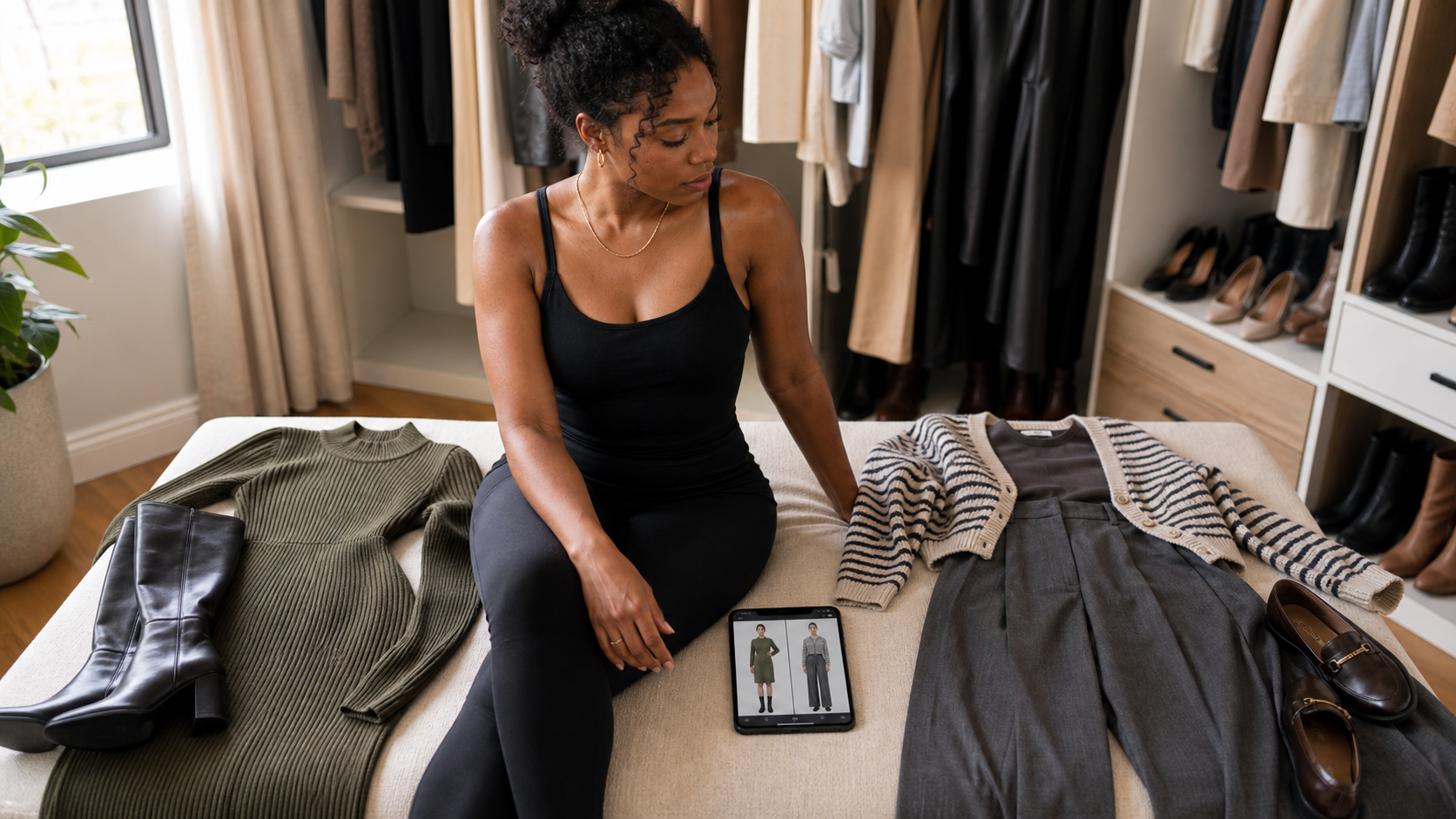

Most people who open a shopping app already know roughly what they need: something for a dinner on Friday, a coat that actually works with the rest of their closet, an outfit that does not look like it is trying too hard for a first date. What they do not always have is the time or the confidence to translate that into an actual outfit. That gap is exactly what the AI stylist chat inside TryFits AI is built to close, and if you have only used the app for the try-on preview so far, the chat is worth a proper look this fall.
The stylist chat works like texting a friend who happens to know your wardrobe and has decent taste. You describe the occasion, the vibe, or even just a piece you already own and are stuck on, and it responds with concrete outfit combinations pulled from your own closet photos, your saved wishlist items, or fresh suggestions if you want new pieces. It is not a generic style quiz that spits out a mood board. It is a back-and-forth conversation that narrows in on something you would actually wear.
Starting a conversation that gets useful answers
The chat works best when you give it something specific to react to, the same way a real styling conversation would. “What should I wear” gets a vague answer from any assistant, human or AI. “What should I wear to a Sunday brunch with my in-laws, I want to look put together but not overdressed” gives the chat enough to actually work with: a dressing register, a social context, and a constraint. From there it will suggest combinations and, because it is connected to your digital twin, you can preview any suggestion on your own body immediately instead of trying to imagine it.
 LIVE FITTING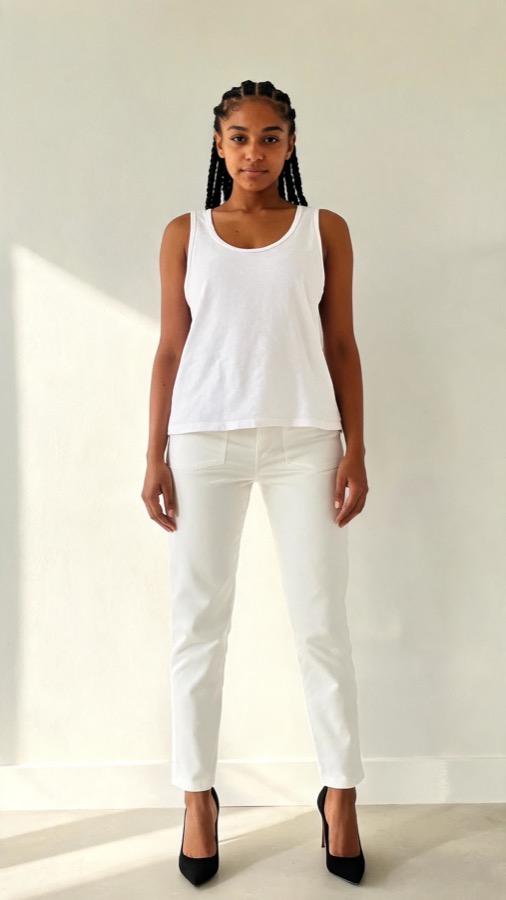

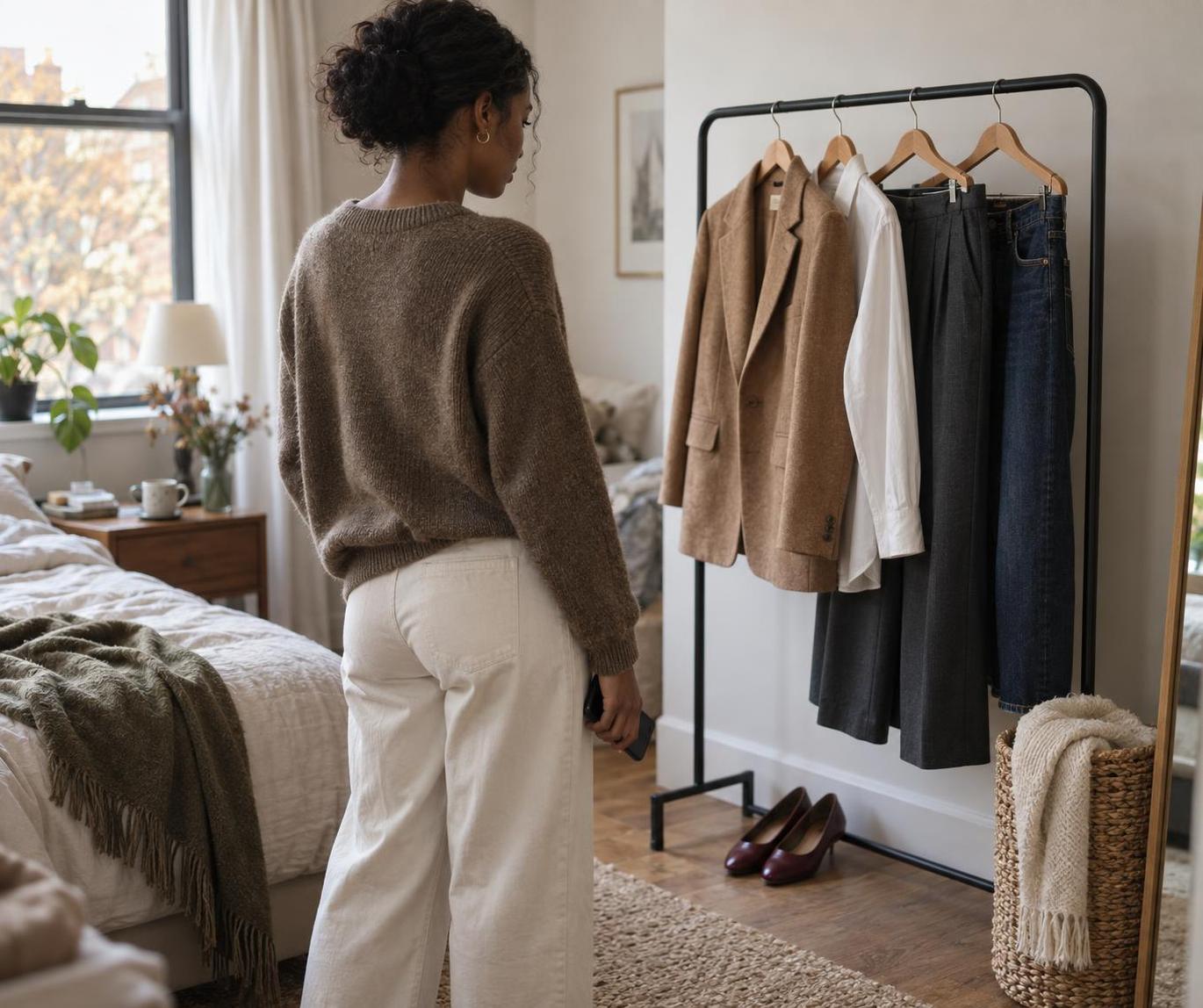
You can also feed it a single piece and ask it to build around that. Upload a photo of a cream wool coat sitting in your closet and ask what to wear underneath it for a work day, and the chat will suggest specific pairings, a fitted turtleneck and straight trousers, or a slip dress with tights, rather than a generic “layer with knitwear” answer. This is where the stylist chat earns its keep over a static style guide: it responds to the exact piece in front of you, not an idealized version of one.
Using it to solve real wardrobe problems
The most useful sessions tend to start with a specific frustration rather than a general request. If you have a piece you bought impulsively and have never worn, describe it and ask the chat for three ways to style it that feel like you. If you are packing for a trip and trying to avoid overpacking, tell it your destination, the length of the trip, and ask for a capsule built around pieces that repeat well. This is a natural extension of building a capsule wardrobe with virtual try-on, since the chat can suggest the combinations and the try-on preview confirms they actually work on you before you commit to packing them.
Color matching is another place the chat quietly does more than people expect. Describe two pieces you are unsure about pairing, a burgundy skirt and an olive sweater for example, and ask directly whether they work together and what would tie them. It will suggest a bridging accessory or a neutral layer rather than a flat yes or no, which is closer to how a stylist actually thinks about color relationships. The same approach works well ahead of holiday party planning, when a lot of people are staring at pieces they already own and trying to figure out if any of them work for the event on the calendar.
Getting more specific results
Vague requests get vague answers, so treat the chat like a stylist who cannot read your mind. Mention your body type preferences if you have them, whether you gravitate toward fitted or relaxed silhouettes, and any colors you already know you avoid. The more context you give upfront, the less back-and-forth it takes to land on something useful. It also helps to be honest about budget or whether you want suggestions from pieces you already own versus new purchases, since the chat will weight its answers differently depending on which you ask for.


If a suggestion does not feel right once you preview it, say so specifically rather than starting over. “The proportions feel off, the top is too boxy” gives the chat something to adjust, and it will offer a fitted alternative instead of repeating the same silhouette. Treating it as an iterative conversation rather than a one-shot answer machine is where most of the value sits, and it is also the fastest way to build a mental map of what actually suits you over time, since the chat remembers the pieces and combinations you responded well to.
If you take one thing from this guide on how to use AI stylist chat to plan a fall outfit, let it be specificity. Give the chat an occasion, a piece to build around, and a sense of your own style, and it will hand you combinations you can actually preview and wear rather than generic advice.
Common questions
Does the AI stylist chat only suggest items I already own?
No. It can style pieces from your uploaded closet photos, your saved wishlist, or suggest new items entirely, depending on what you ask for. Telling it which one you want upfront gets you a more relevant answer faster.
Can I use the stylist chat without uploading my closet first?
Yes, though uploading a few key pieces makes the suggestions far more specific to what you actually own. Without it, the chat will lean on general styling advice rather than combinations built around your real wardrobe.
How specific should my questions be to get good outfit suggestions?
As specific as you would be with a friend. Include the occasion, the dress code register, and any piece you are trying to build around. A vague “what should I wear” produces a vague answer, while a detailed prompt gets combinations you can actually preview and wear.