How to use AI virtual try on for career fair outfits starts with one practical comparison, not a guess. Choosing a career-fair outfit from a product page is harder than it looks. A blazer can seem sharp on a model, then feel too long with your own trousers. A pale shirt can look fresh online and disappear against your skin tone in daylight. When employers are booking September and October campus events, this is a useful moment to test the full look before you order pieces you may only wear once.
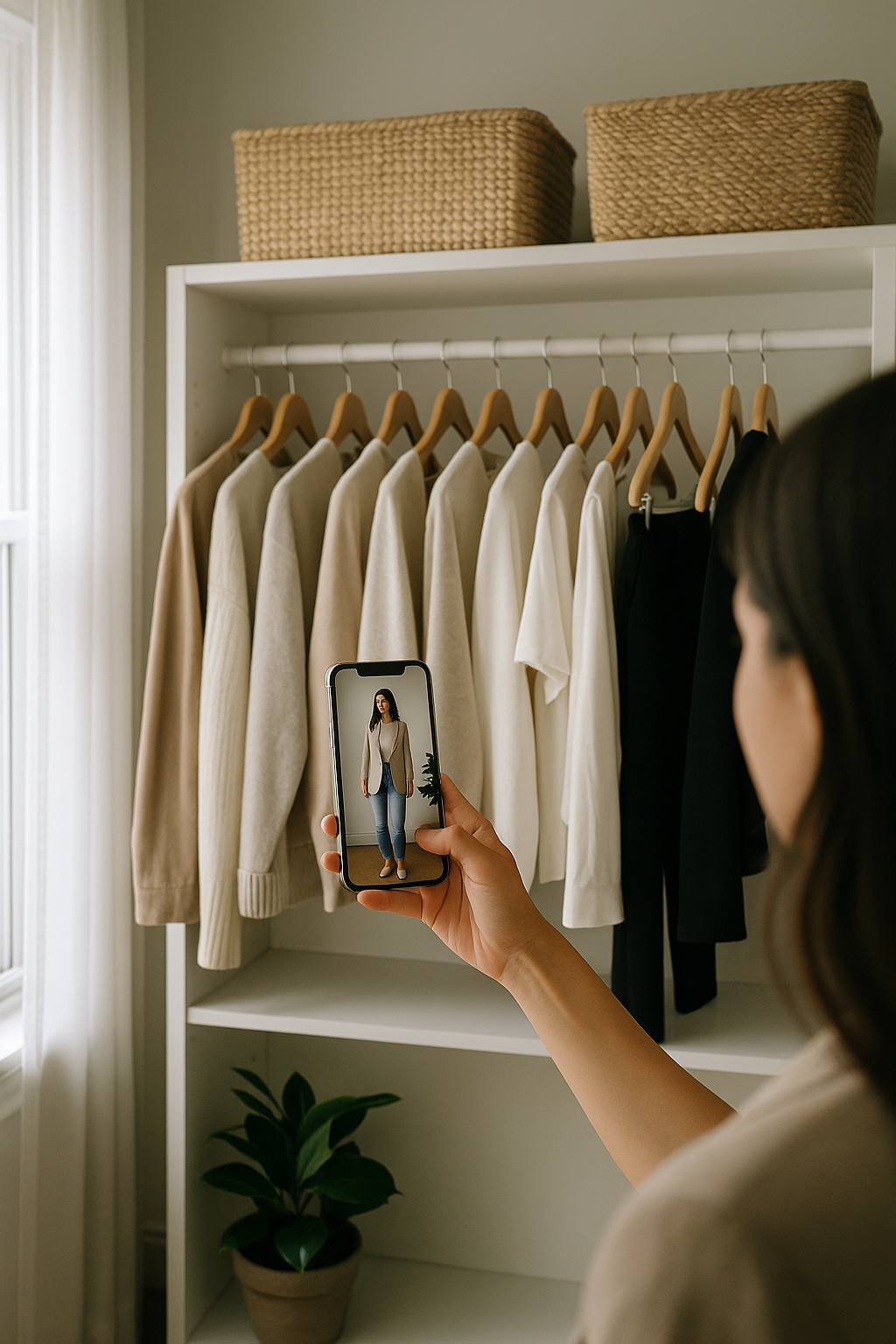
AI virtual try-on is most helpful when you use it as a comparison tool, not as a promise that a garment will fit perfectly. It can help you see proportion, colour, and outfit balance on your own image before checkout. You still need the size chart, fabric details, and return policy, but you can narrow a crowded saved folder down to the options worth considering.
Choose the pieces that create the most uncertainty
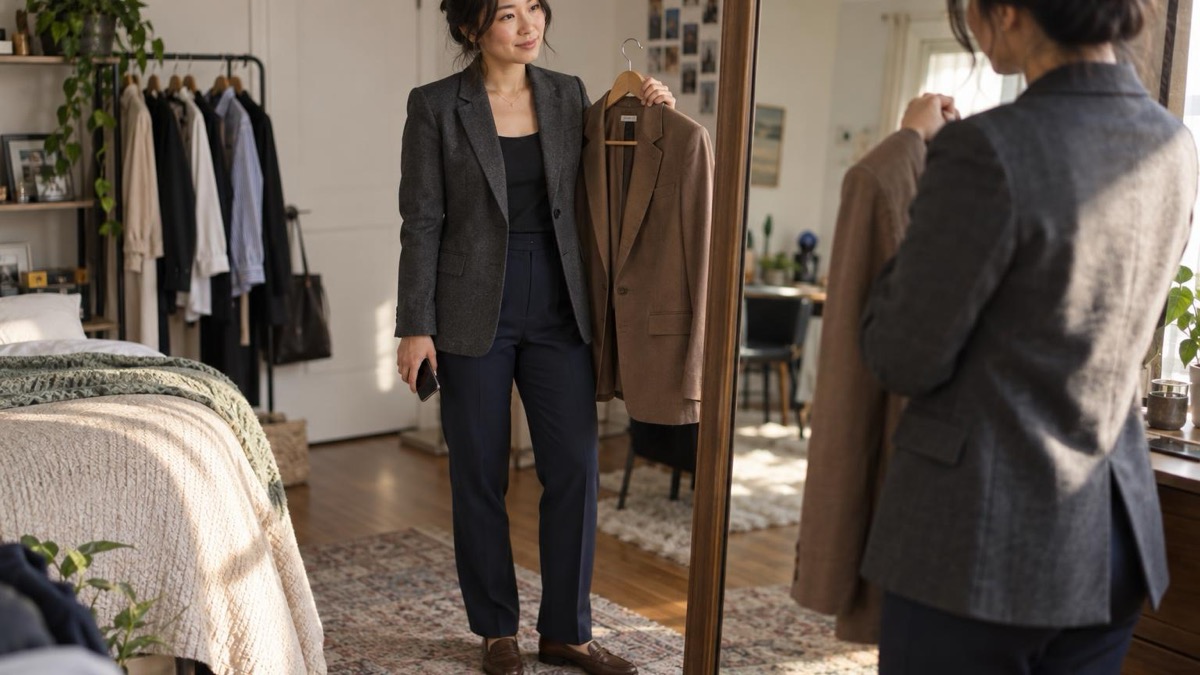
Start with the items that change the outline of the outfit: the blazer, trouser cut, dress, coat, or shoe shape. A structured blazer with a strong shoulder will make a different impression from a softer knit jacket, even when both are labelled workwear. Upload clear product images, then compare them with the same base outfit so you can see what the layer is doing.
 LIVE FITTING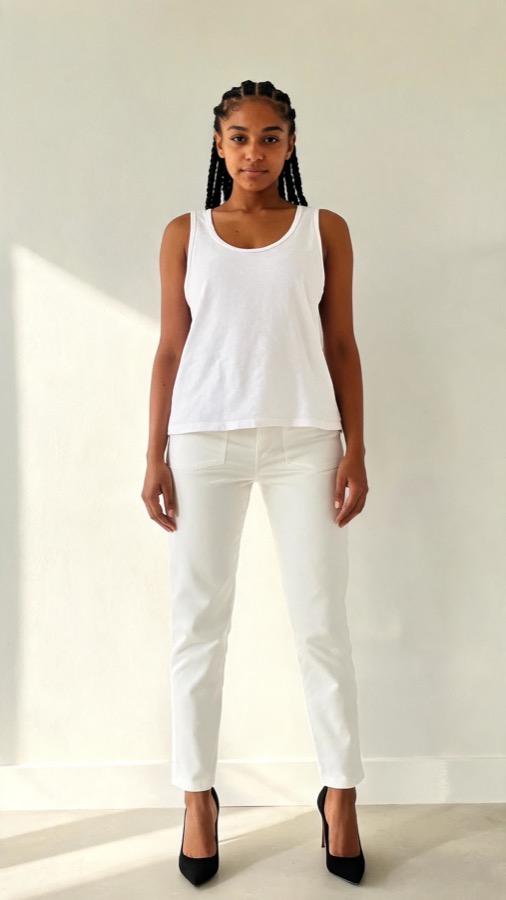

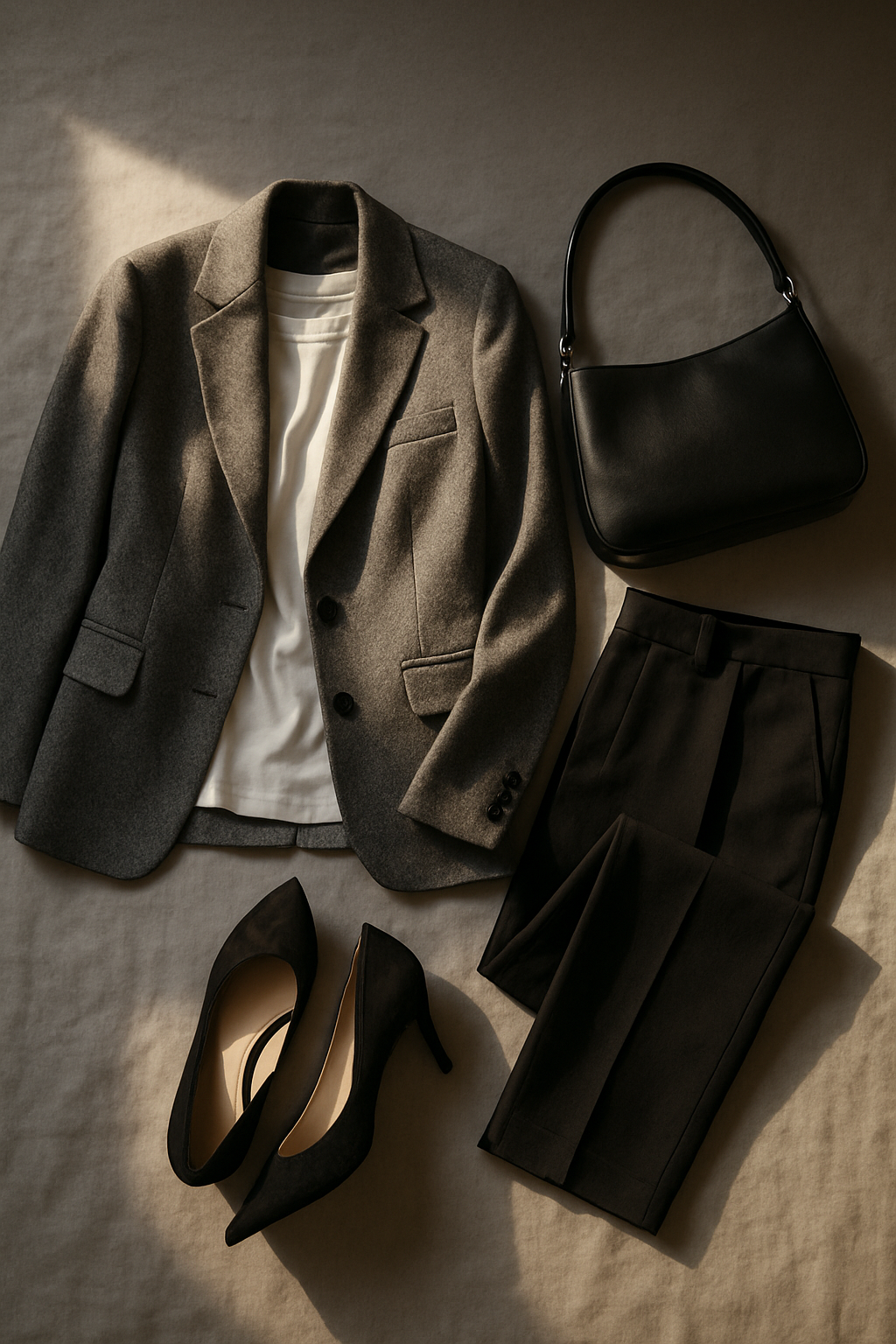
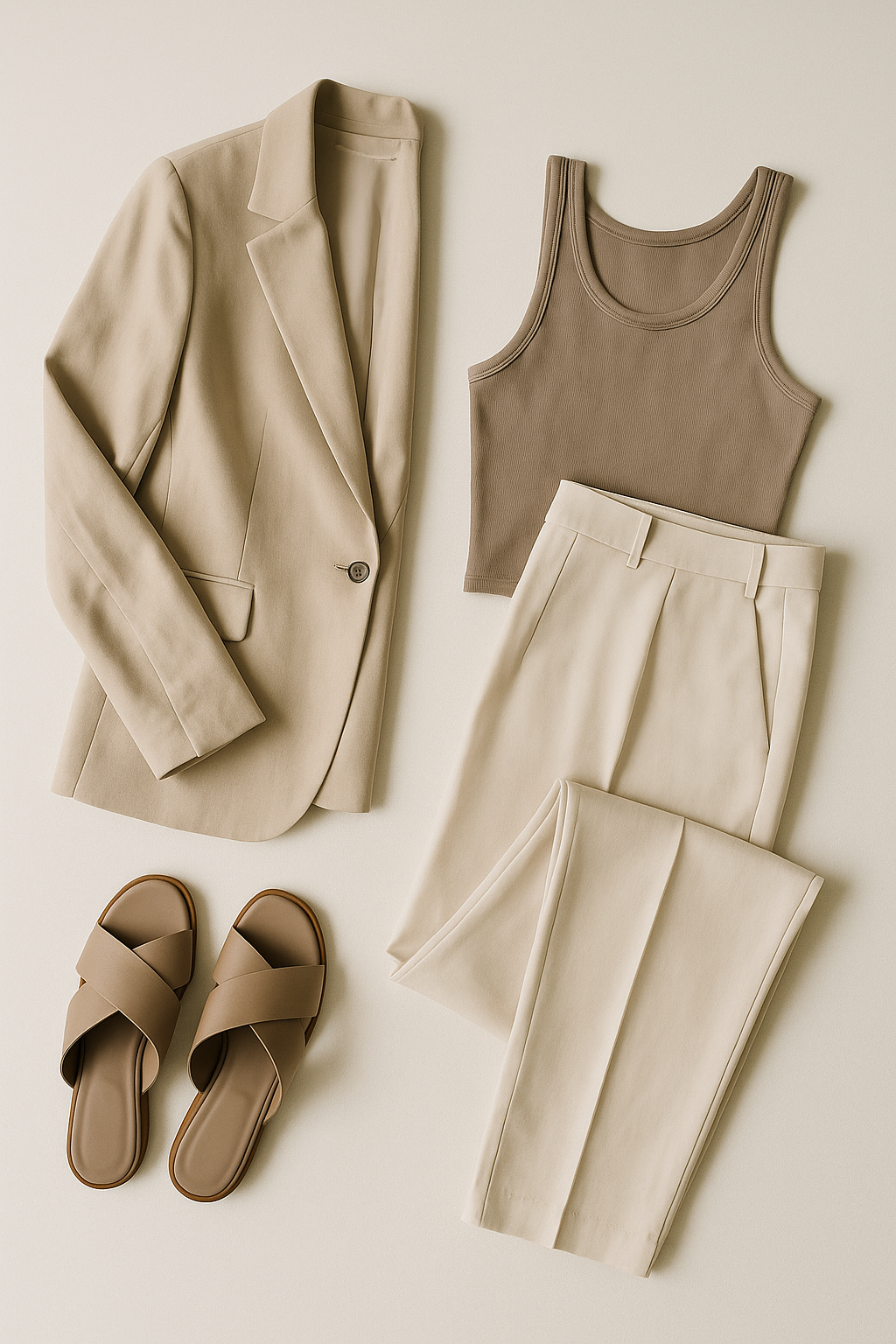
For a career fair, test a few useful combinations: a navy blazer with straight trousers, a charcoal blazer with wide-leg trousers, and a tailored dress with a lighter layer. Keep the top and shoes consistent during the first round. That makes it easier to spot whether you prefer a shorter jacket, a stronger shoulder, or more space at the ankle.
Use one selfie and keep the comparison fair
Use a clear, well-lit selfie or full-length image where your outline is easy to see. Keep the same image for every option in that decision. Switching photos changes the light, angle, and pose, which can make two clothes look different for reasons that have nothing to do with the clothes.
Then look for specific questions rather than asking whether the whole outfit is good. Does the blazer end at a useful point with this trouser? Does the shirt colour make the jacket look warmer or cooler? Do loafers make the cropped hem feel intentional? This approach gives you an answer you can act on when you return to the retailer page.
Compare the outfit for the actual day
A career fair has its own practical demands: you will walk, stand in queues, carry a bag, and move between rooms. Use the preview to check the relationship between your outer layer, bag, and shoes. If the tote looks bulky under the blazer or the trouser break looks awkward with the shoe, test an alternative before buying another version out of hope.
It also helps to compare the outfit against the setting. September fashion coverage has leaned into modern tailoring and useful layers, so a restrained blazer, fine knit, and polished flat can feel current without becoming a trend costume. For the style details, pair this process with our guide on what to wear to a college career fair.
What virtual try-on can and cannot tell you
A preview is useful for style decisions, but it cannot replace a measurement chart. Read the garment measurements, fabric composition, and reviews before choosing a size. A stiff wool blend, stretchy ponte trouser, and fluid viscose shirt behave differently in motion, even when their images look similar. Use the preview to decide which silhouette you want, then use the retailer information to decide which size to order.


TryFits AI brings those two parts of the decision closer together. You can see a store find or outfit image on yourself, compare it with pieces you already own, and decide what deserves a place in the checkout basket. That is especially useful when a career fair calls for a polished outfit but your budget does not allow three speculative orders.
Virtual try-on is at its best when it turns a vague feeling about an outfit into a precise next question for the size chart.
Make a short decision list before checkout
After you have compared the images, write down the two or three options that solved a clear problem. Perhaps one blazer works with the trousers already in your wardrobe, another has the better sleeve length, and a third only looks good with shoes you do not own. This stops a good preview session turning into another collection of tabs.
Check the retailer page one final time for measurements, fabric care, delivery timing, and returns. For a career fair, it is safer to order early enough to try the outfit on at home and make one adjustment if needed. If two options look equally strong, choose the one you can wear again for an interview, presentation, or first day rather than the one that only makes sense for a single event.
Common questions
Can AI virtual try-on tell me my exact clothing size?
No. Use it to judge the look and proportion of an item, then confirm your size with the retailer’s chart, garment measurements, fabric information, and reviews.
What image should I use for virtual try-on?
Choose a clear image with even light and a visible outline. Use the same image while comparing options so differences in the result are easier to attribute to the clothes.
Is virtual try-on useful for workwear?
Yes, particularly for blazers, trousers, dresses, and layered outfits where proportion matters. It can help you compare a few polished options before you commit to ordering.