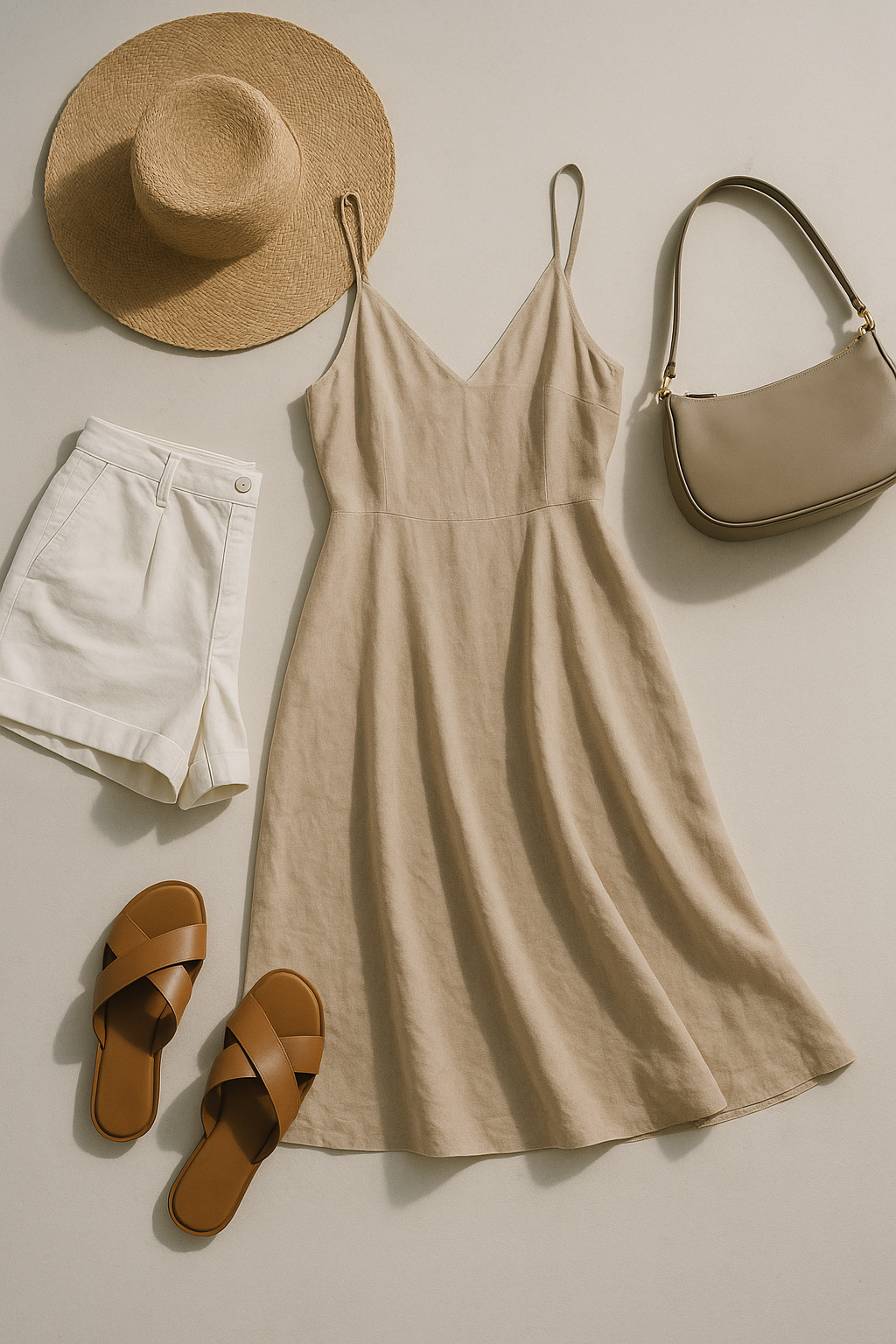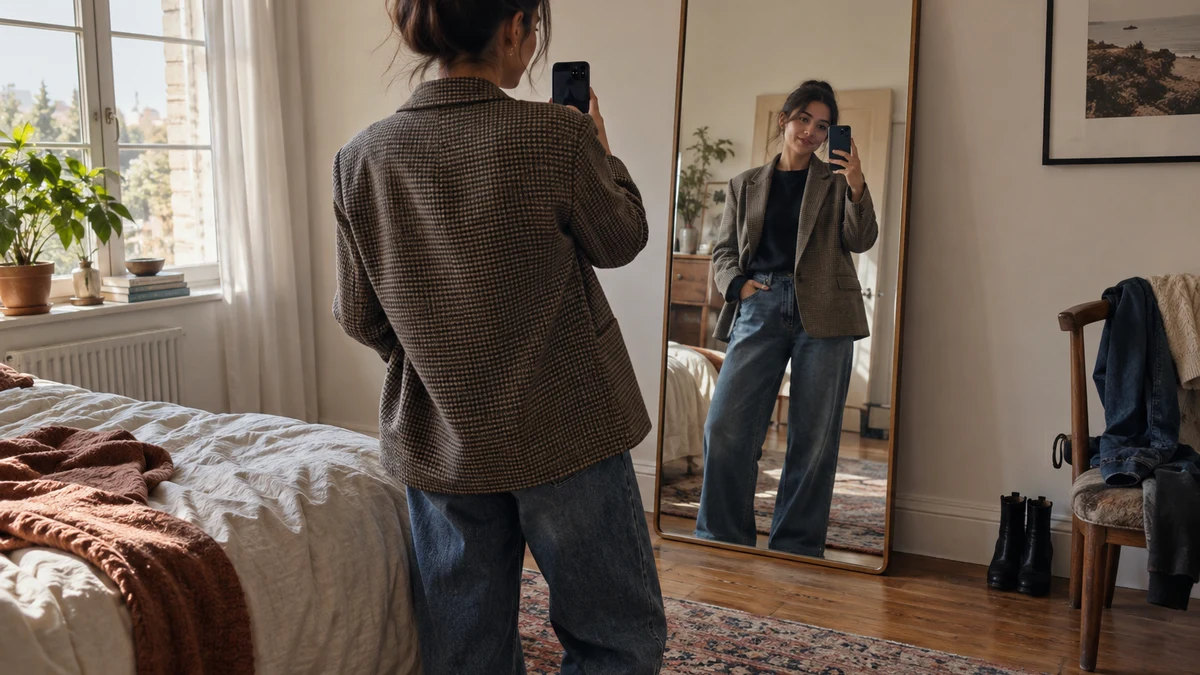
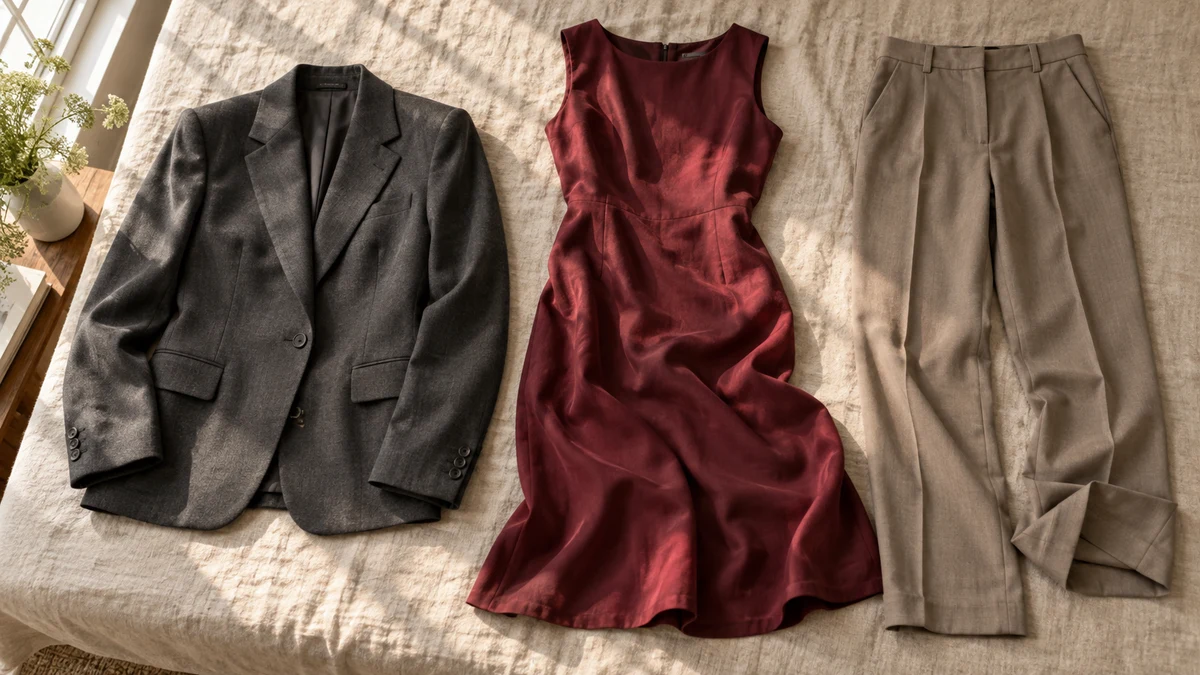
A blazer looks sharply tailored on the shop model, but softer in your virtual preview. A burgundy dress seems brighter, or a trouser hem appears higher. When your virtual try on looks different from the product photo, the useful question is which differences reflect a new styling context and which need checking elsewhere.
TryFits AI describes its results as generated visual try-ons. According to its FAQ, it creates a digital twin from a full-length photo, or a selfie plus measurements, and lets you preview garments from supported store pages, product links or clothing photos. That gives you another view of a garment, not photographic proof of its exact appearance or fit.
Use the preview to investigate a specific concern: whether that blazer feels too formal for your everyday clothes, for example. Then return to the retailer’s images and measurements for details the preview cannot confirm. You can like the outfit without assuming every seam, shade and centimetre has been reproduced exactly.
 LIVE FITTING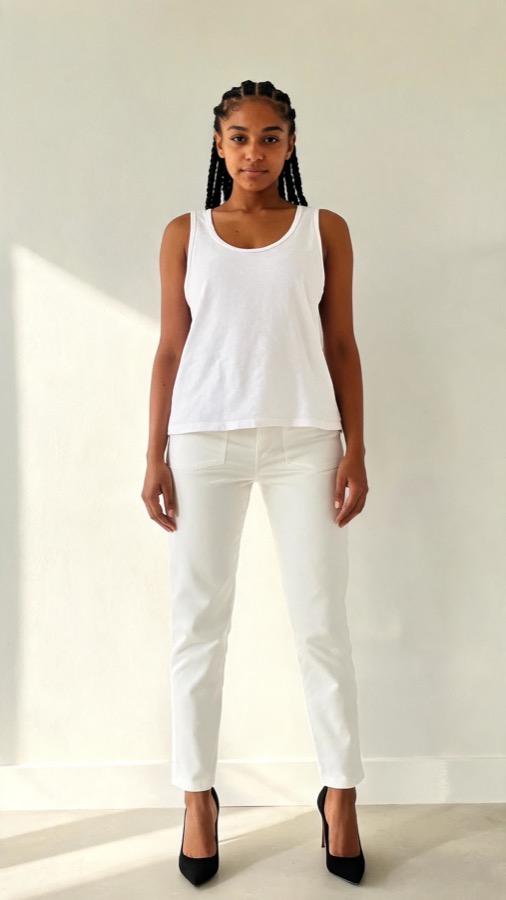

First check that you are comparing the same garment
Before judging a surprising result, check the selected colour and product reference. A retailer may show several colourways on one page, with the opening photograph featuring a different version from the one you want. Confirm that your reference actually depicts the navy jacket rather than its charcoal alternative.
Look for an unobstructed view. A model carrying a shoulder bag may conceal a pocket; crossed arms can cover buttons; a coat photographed open does not reveal its closed silhouette. TryFits AI supports clothing photos, but an incomplete reference still gives you less visible information to compare against the result.
Read the listing alongside the pictures. Check whether a waist tie is included, whether sleeves are shown rolled, and whether the trousers come in different lengths. These are product details, not styling preferences. If the preview adds, removes or changes one, treat that part of the image as unresolved.
The shop photo includes styling you may not be copying
A product photograph shows more than the item for sale. The model’s pose, shoes and accompanying clothes influence the overall impression. A cream blazer with matching trousers and heels can look like occasionwear; the same blazer considered with faded straight jeans and loafers belongs to a much more relaxed outfit.
Compare the garment’s styling before comparing its shape. Is the shirt tucked in? Is the jacket buttoned? Has a belt gathered the dress at the waist? These choices can change how an outfit reads without changing the garment itself. Do not assume the preview reproduces styling that is unclear in the reference.
For a practical test, choose one question and keep the rest of the outfit familiar. If you are considering a chocolate corduroy jacket, imagine it with your usual ecru knit and dark trousers rather than the retailer’s complete look. You are assessing whether the jacket suits your routine, not whether you resemble the campaign photograph.
Colour differences need a second reference
Lighting and screen settings can change how colour appears. Burgundy may look almost brown in warm indoor light and redder in daylight. Cream can appear white against a dark background. A generated preview adds another interpretation, so a single image should not settle a close colour match.
Check several retailer photographs, especially close-ups and any daylight images available. Read the named colour, but remember that names such as oyster, stone and mushroom are not standardised shades. If you need trousers to match a jacket exactly, look for confirmation that they belong to the same fabric and colour range.
Separate broad colour decisions from exact matching. A preview can help you consider a burgundy top with charcoal trousers, where some variation is acceptable. It cannot establish that two separately sold navy pieces match. For styling combinations that do not require identical shades, see our guide to wearing navy and black together.
Fabric behaviour cannot be confirmed from the preview
A cotton poplin shirt and a viscose blouse can share a colour and cut while behaving differently. Poplin generally holds a crisper outline; viscose often falls more softly. If the virtual version looks smoother or more structured than expected, check the composition and close-up photographs before deciding that the item has that finish.


Consider what the fabric needs to do in your actual day. A wool-blend skirt with opaque tights may be a sensible option for a cool commute, while a lightweight unlined skirt may require another layer. Neither warmth nor lining comfort can be established by how convincing the generated outfit looks.
For a dinner outfit, a black satin blouse with tailored trousers may provide the sheen you want. If you prefer a quieter finish, consider matte crepe instead. Use the preview to assess the visual idea, then check the listing for opacity, care requirements and composition. Ask the seller about any missing fabric information.
A changed hem or waistline is a reason to measure
Garments can appear different on people with different heights and proportions. However, an apparent hem position in a generated image is not a measured prediction. If a midi dress looks shorter than it does on the shop model, check the stated garment length and how the retailer measures it.
Compare that measurement with a dress you already enjoy wearing. Follow the same measurement method, such as shoulder to hem, rather than comparing unlike figures. For trousers, check the inseam and rise separately: both affect where the garment sits, and neither is confirmed by a visually convincing preview.
The same caution applies when a jacket appears neatly fitted. The image cannot establish whether you can comfortably reach forward, close the buttons over a jumper or sit without restriction. Our explanation of seeing clothes on your body before buying sets out why a style preview is not a size guarantee.
Decide whether the difference changes your purchase
Sort your concern into a visual preference or a product requirement. Finding a blazer too formal is a styling decision you can explore with different outfit ideas. Needing its sleeves to reach your wrists is a measurement requirement. Needing a waterproof jacket is a specification requirement, regardless of the preview.
If the reference and result disagree about a detail essential to your purchase, pause. Check the retailer’s description or request another photograph rather than choosing whichever image you prefer. When the garment arrives, try it with the intended layers and shoes, keeping tags attached while you follow the seller’s return conditions.
Common questions
Why does my virtual try on look different from the product photo?
The reference may show different lighting, styling or proportions, and the preview is generated rather than a photograph of you wearing the item. Check the colourway and visible garment details first. Use retailer photographs and measurements to investigate differences that would affect your purchase.
Does a realistic TryFits AI preview mean the size is correct?
No. A realistic appearance does not confirm a particular size, comfort or freedom of movement. Compare your measurements with the retailer’s size chart and check garment measurements where available. Measurements supplied to create a digital twin should not be treated as a fit guarantee.
Should I reject clothes if the virtual preview looks wrong?
Not automatically. Identify what looks wrong before rejecting the item. If the preview changes a defining feature, such as the closure or hem shape, rely on the listing to verify it. If you simply dislike the outfit idea, consider another styling combination before buying.