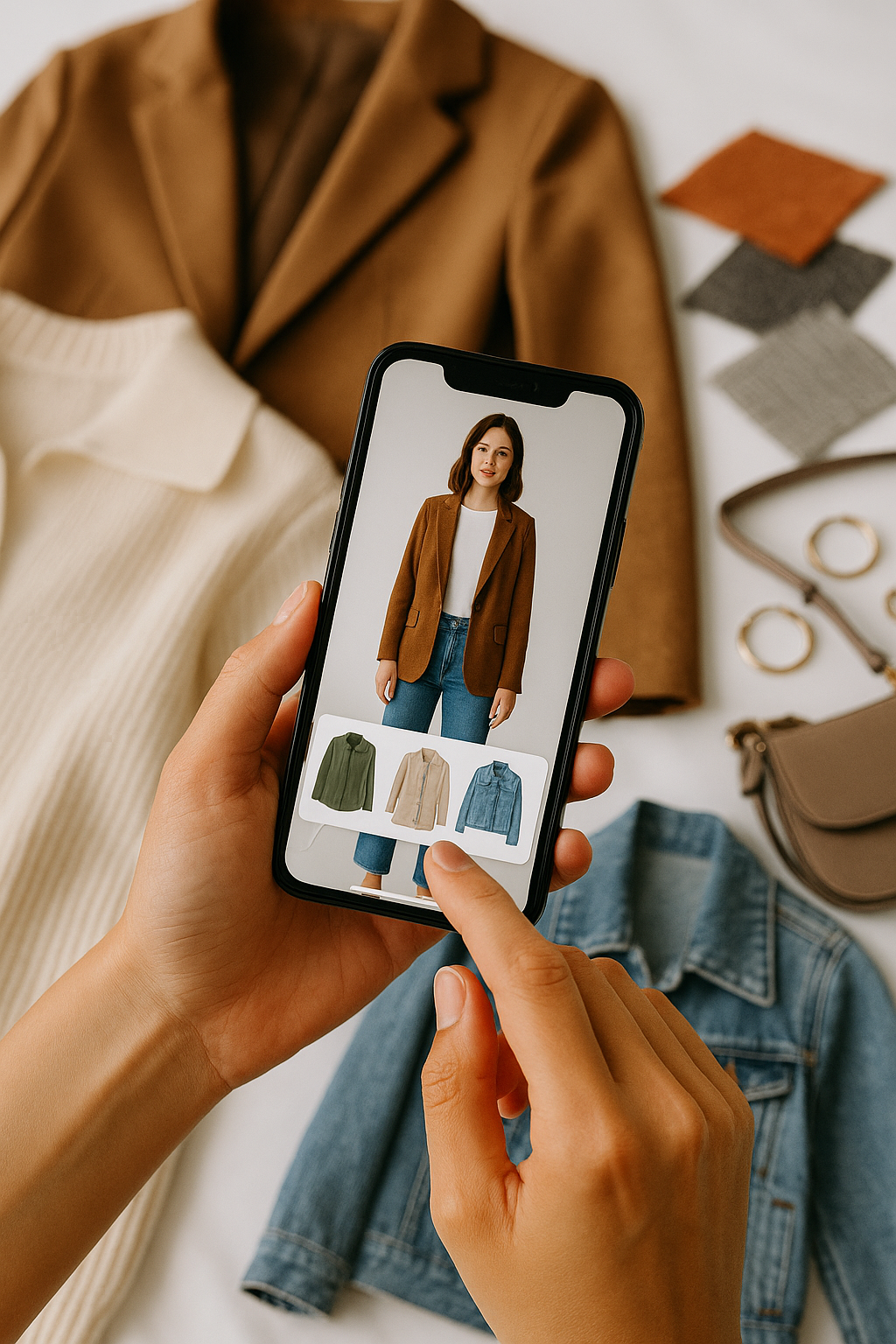
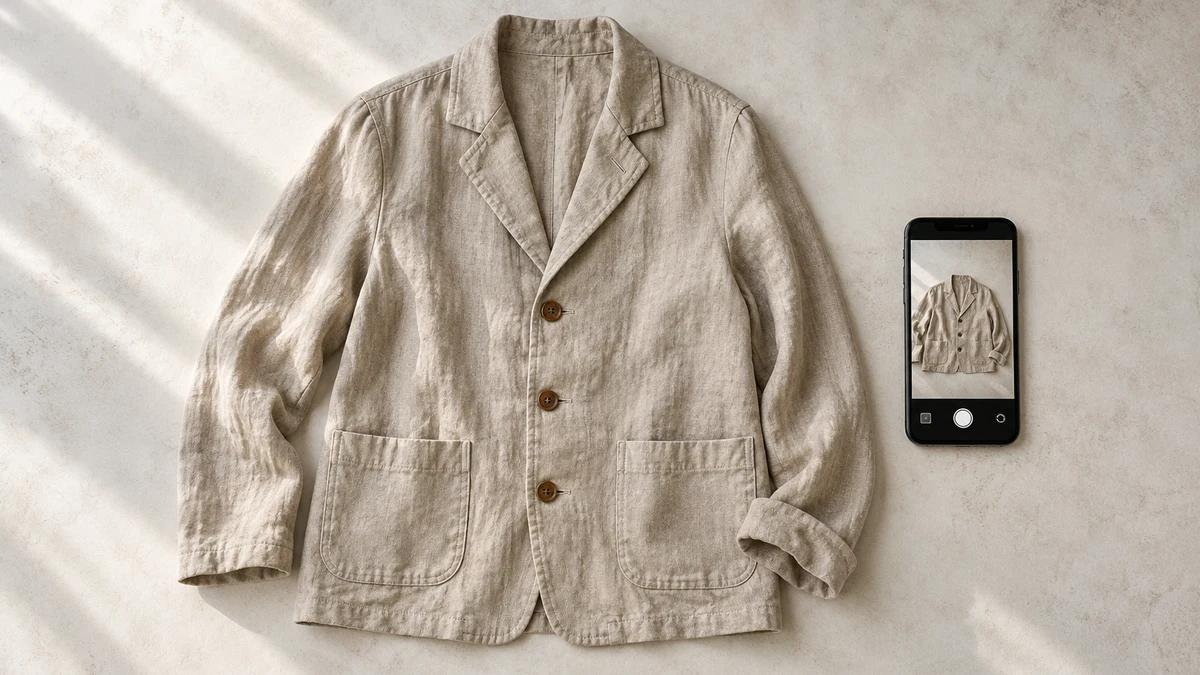
Yes. TryFits AI says you can upload a garment photo to start a virtual try-on, then preview how the item might look on your digital twin. That makes a clothing image useful when you have found a jacket or dress but want to picture it on yourself rather than on the retailer’s model.
According to the TryFits AI FAQ, your digital twin can start from a full-length photo, or a selfie plus measurements. The garment image supplies the clothing reference; your personal photo supplies the person. The result is a visual preview, not a guarantee of exact fit or sizing.
The useful question is specific: would this olive cropped jacket work with the charcoal trousers you already wear? A garment photo for virtual try on can help you explore that idea before ordering. Start with an image that clearly shows the jacket, then judge the preview against the original item instead of assuming every generated detail is accurate.
 LIVE FITTING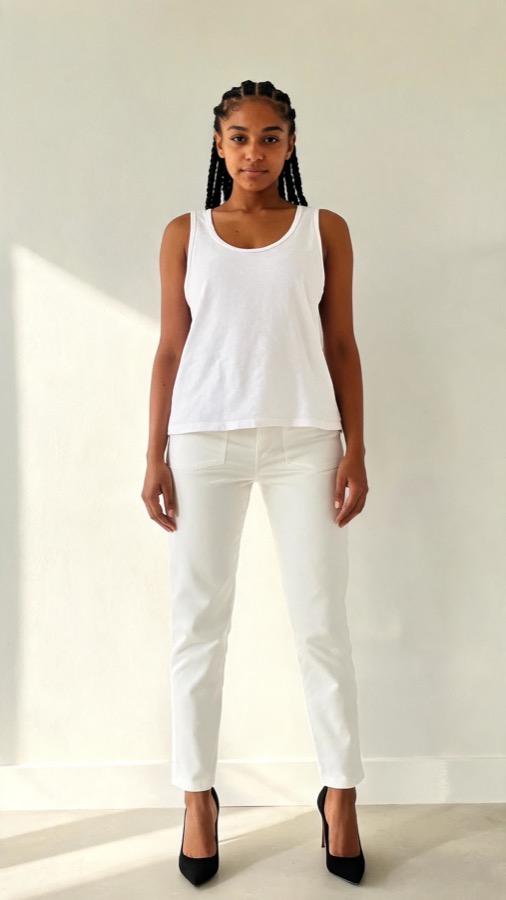

What a garment photo adds to the decision
A retailer’s styled photograph shows one interpretation of a garment. A cream cardigan might appear tucked into a skirt, with its lower buttons hidden and its sleeves pushed up. You need to know whether you like the cardigan itself, not just the styling around it.
An uploaded clothing reference gives TryFits AI a starting point for visualising that item on your digital twin. The company also lists items in the app, product links and your own closet as starting options. A garment photo is particularly useful when the image is available but a convenient product link is not.
Keep the task narrow. Ask whether the cardigan’s broad collar creates the look you want, or whether a rust overshirt brings enough colour to your usual navy outfits. Do not use an attractive preview as evidence that the shoulders, button spacing or sleeve length will be correct when the parcel arrives.
Choose a photo that makes the garment readable
TryFits AI confirms photo uploads as an input, but the supplied information does not establish exact file requirements or promise that every image will work equally well. Follow the current upload instructions in the app. These photography choices help make the clothing reference clearer without claiming a guaranteed result.
- Choose a photograph showing the complete garment, including its hem and sleeves.
- Prefer an unobstructed view over one hidden behind a bag, crossed arms or another layer.
- Use the version in the colour you are considering, rather than expecting a different shade to be reproduced exactly.
- Avoid heavy filters, strong colour casts and screenshots covered with text.
- Keep the original product details available for checking the preview afterwards.
For a jacket, a clear front photograph is a sensible starting reference because it exposes the fastening, collar and overall outline. A close-up of a beautifully textured cuff cannot show the jacket’s length. Keep that detail image for evaluating the material separately.
For clothing you own, photograph the item against a simple contrasting background in indirect daylight. Smooth major folds enough to reveal its shape, but do not stretch a knit or pull a waistband wider. The aim is a readable reference, not a photograph that changes the garment.
Separate your body reference from the clothing reference
Your personal photo and the garment photo do different jobs. TryFits AI describes building your digital twin from a full-length image, or a selfie plus measurements. Uploading a photograph of a model wearing a dress does not replace the need to establish your own twin.
Follow the app’s guidance for your personal image and any requested measurements. As general photography practice, use even light and a clear view rather than a strongly angled mirror shot. Do not assume the preview measures your body or verifies measurements you entered.
Once a preview appears, compare recognisable features with the source: the collar shape, fastening position, sleeve style and hem outline. If the jacket acquires different pockets or the cardigan loses its ribbed border, treat those areas as uncertain. Our guide to why a virtual try-on can look different from the photo explains how to approach those discrepancies.
Use the preview to solve a specific outfit problem
An olive jacket for cool, dry days
Suppose you are considering an olive cotton twill jacket with a cropped, square shape. Plan it around a cream fine-knit jumper, charcoal straight-leg trousers and dark brown boots. The preview can help you decide whether you enjoy the jacket’s compact outline and muted colour on yourself.


Check the actual fabric description before choosing it for autumn walks. Unlined cotton twill may need a warmer layer underneath, and it should not be assumed waterproof. For persistent rain, consider a jacket with stated weather protection rather than buying the more appealing image.
A burgundy blouse for dinner
A burgundy satin blouse offers a different question: does its shine make your usual black trousers feel suitably dressed for dinner? Choose a reference that clearly shows the neckline and cuffs. Imagine the outfit with simple black shoes so additional accessories do not distract from the blouse.
The preview may suggest an overall effect, but it cannot establish how the satin feels or whether it clings when you sit. Read the fibre composition and care instructions. If easy maintenance is essential, compare the blouse with a matte crepe alternative and check both product descriptions.
A grey cardigan for everyday layering
For a grey ribbed cardigan, decide whether you want a short, neat layer over a white T-shirt or a longer, relaxed shape with dark jeans. Use the photograph to identify which silhouette the actual cardigan has. Do not interpret a generated shorter hem as an available alteration or a different product option.
For colder days, check fibre content and whether your coat can accommodate the cardigan’s sleeves. For milder indoor settings, a finer knit may be more comfortable. The image can inform your style preference; the garment specification and a physical try-on settle warmth and layering room.
Check the product before trusting the preview
Before ordering, return to the listing and check garment measurements, composition, lining and returns terms. Compare measurements with a similar piece you own where possible. A convincing image does not confirm waistband comfort, shoulder movement, fabric opacity or the position of a back zip.
If the photo is cropped or unclear, look for a better reference rather than repeatedly interpreting uncertain details. Where a product link is available, TryFits AI lists that as another starting option. Neither route turns a visual preview into a verified fit assessment.
Common questions
Can I upload a photo of clothes I already own?
Yes. TryFits AI lists uploaded garment photos and items from your own closet as try-on starting options. Use a clear photograph showing the item’s shape and colour. Compare the preview with the real garment, especially if it has distinctive seams, buttons or trims.
Do I need a product link to use a garment photo?
No. TryFits AI lists a product link and an uploaded garment photo as separate starting options. Keep the listing available if you are shopping, because the photo alone does not provide reliable information about available sizes, fabric composition or returns.
Can a garment photo tell me which size to buy?
No. The supplied TryFits AI information describes a visual preview, not guaranteed sizing. Use the retailer’s size chart and garment measurements, then compare with clothing that fits comfortably. When the item arrives, check movement and fastening comfort before removing tags.