No, you do not need measurements for virtual try on to begin with TryFits AI. Its supplied support information describes creating a digital twin from one photo, with a selfie plus measurements offered as another route. The result is a visual preview of clothing on your digital twin, not a definitive test of which clothing size will fit.
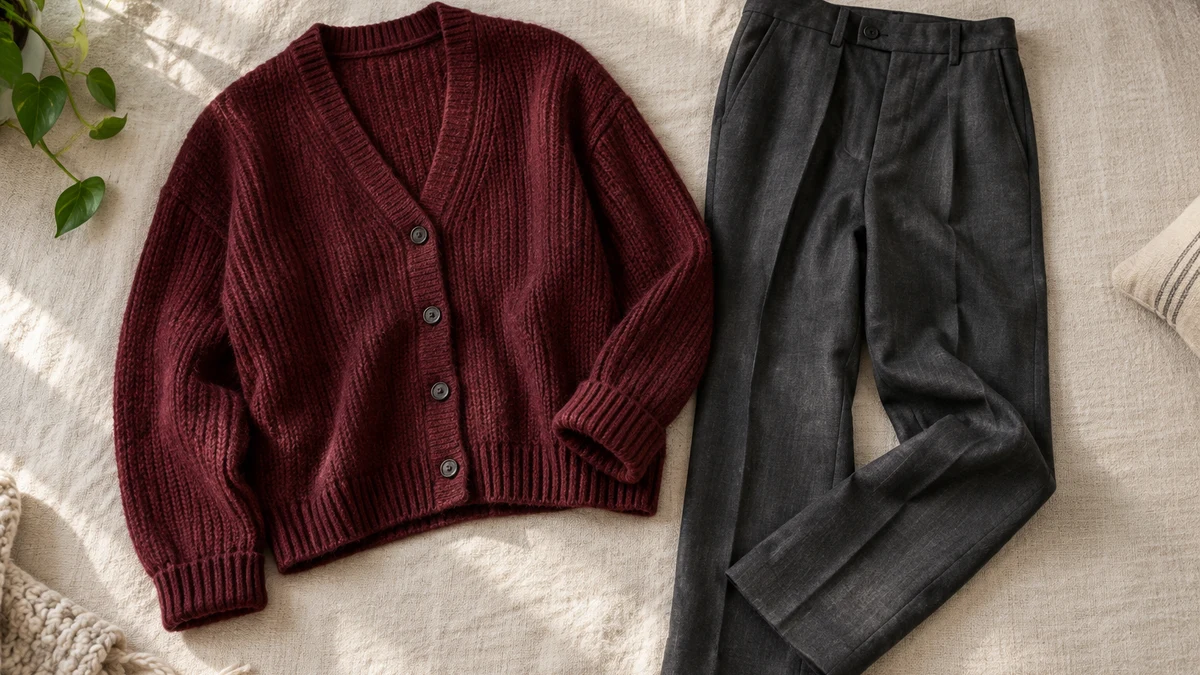
The useful question is what you want that preview to answer. If you are wondering whether a burgundy cardigan belongs with your charcoal trousers, you are making a styling decision. If you need to know whether its sleeves will reach your wrists, you need garment dimensions and a physical fit check.
Imagine choosing between a cropped olive jacket and a longer navy one for clothes you already own. Seeing each option on your digital twin can help you judge which look you prefer. Entering measurements does not turn that image into proof that either jacket will close comfortably over your winter jumper.
 LIVE FITTING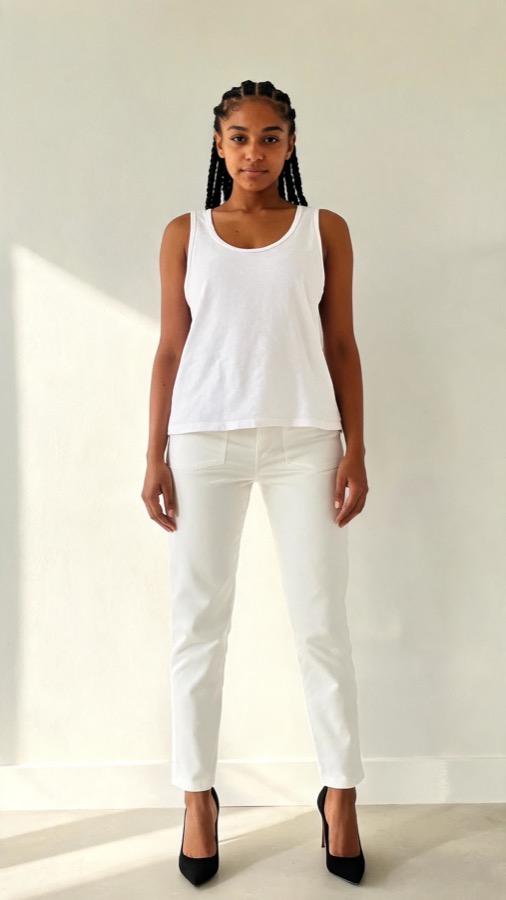

What TryFits AI asks you to provide
According to the supplied TryFits AI support guide and FAQ, the app supports a digital twin created using one photo, or a selfie plus measurements. Follow the current setup prompts rather than assuming you need a full tailoring worksheet before you can start.
You also need a clothing input. TryFits AI describes options including finds from its in-app store browser, a pasted product link, your own garment photos, or an imported closet. These let you explore a specific item rather than relying only on an imagined outfit.
For example, use the retailer’s actual navy jacket listing when considering that jacket. A description of a navy jacket can explore an idea, but it cannot establish the construction, length or material of a particular product. Keep the product page available alongside the preview.
What measurements can and cannot establish
The supplied information confirms that measurements are an available input; it does not establish how much they improve accuracy. There is no supported basis here for promising that adding your waist measurement will produce an exact waistband fit or a reliably positioned hem.
Body measurements remain useful for a separate task: checking the retailer’s size chart. A body chart usually tells you which measurements a size is intended to accommodate. Finished garment measurements, where provided, describe the item itself. Those are different kinds of information, so check the chart’s labels before comparing numbers.
For a structured cotton shirt, compare the available chest and shoulder information with a shirt you comfortably wear. For rigid denim, check waist, hip, rise and inseam information where available. A convincing preview cannot tell you whether a waistband digs in when you sit.
Measure according to the retailer’s instructions, using a flexible tape without pulling it tight. If you fall between sizes, consult the brand’s fit guidance and consider the intended cut. Do not choose the smaller size simply because the generated image looks smooth.
Choose a styling question before generating a preview
A focused question makes the result easier to use. Ask, “Do I prefer this cream cardigan or the chocolate version with my dark jeans?” rather than, “Does this fit?” The first question concerns an outfit’s appearance; the second includes comfort and construction that an image cannot verify.
Keep the comparison simple. Use the same digital twin and the same clothing inputs where possible, changing only the item under consideration. This is a comparison method, not a claim that TryFits AI locks every visual detail between generations.
If a result unexpectedly changes the trouser shape, obscures a fastening or redraws the jacket hem, do not treat those details as evidence about the product. Compare them with the original listing. Our guide to why a virtual try on looks different from the photo explains how to approach those discrepancies.


Three outfit decisions to preview without a measuring session
A cardigan for a cool office
Start with charcoal straight-leg trousers and a pale blue cotton shirt. Consider a fine-gauge burgundy cardigan for a stronger colour accent, or a charcoal version for a quieter outfit. Preview the actual items to judge your preference rather than assuming one colour universally suits you better.
Check fibre composition separately. A lightweight merino knit may be a practical choice for a cool office, while cotton can suit a warmer room. If wool irritates your skin, choose a familiar alternative; the preview cannot communicate softness or itching.
A jacket for wet commuting days
Consider an olive hip-length jacket with dark indigo jeans and a cream knit. Compare it with a navy thigh-length option if you want more coverage. The visual question is whether you like the shorter, casual outline or the longer jacket with that particular outfit.
For rain, inspect the listing for stated water resistance, hood design and fastening details. A jacket that looks substantial might offer little weather protection. If you plan to wear a thick jumper underneath, verify room through the chest and upper arms rather than trusting the generated layering.
A dress for dinner indoors
Compare a plum crepe midi dress with a black jersey option for an evening meal. Crepe can offer a more structured-looking outline, while jersey is worth considering when you prefer stretch. Use the preview to assess the outfit’s mood, then read the composition and lining details.
For a cold journey, plan a coat and closed shoes you already know are comfortable. If either dress has a narrow skirt, check its slit or available movement in person. The image cannot establish whether you can climb stairs or sit comfortably through dinner.
A buying check that stays separate from the preview
After choosing the look you prefer, revisit the product information before ordering. Confirm the selected colour, material and size, then check the return conditions. A visual shortlist is useful even when the next step is rejecting an item because its measurements or care requirements do not suit your needs.
When the clothing arrives, try it with the intended underlayers. Fasten it, sit down and reach forward. For trousers, check the waistband seated and the hem with your usual shoes. For a jacket, check movement over the jumper you actually plan to wear.
Common questions
Can I use TryFits AI without knowing my body measurements?
Yes. The supplied support information describes a one-photo route for creating a digital twin. Follow the current photo requirements during setup. You can use the resulting preview for styling decisions, but consult the retailer’s chart when selecting a clothing size.
Will adding measurements tell me my exact clothing size?
Not on the evidence supplied. TryFits AI describes a visual preview, not a definitive size test. Brands use different cuts and sizing systems, so compare your measurements with the specific retailer’s guidance and check finished garment dimensions where available.
Should I measure myself or clothes I already own?
Use body measurements for a retailer’s body size chart. Use a comfortable garment for comparison with finished garment measurements, following the same measuring method. If only one type of chart is available, match your comparison to it rather than treating body and garment dimensions as interchangeable.