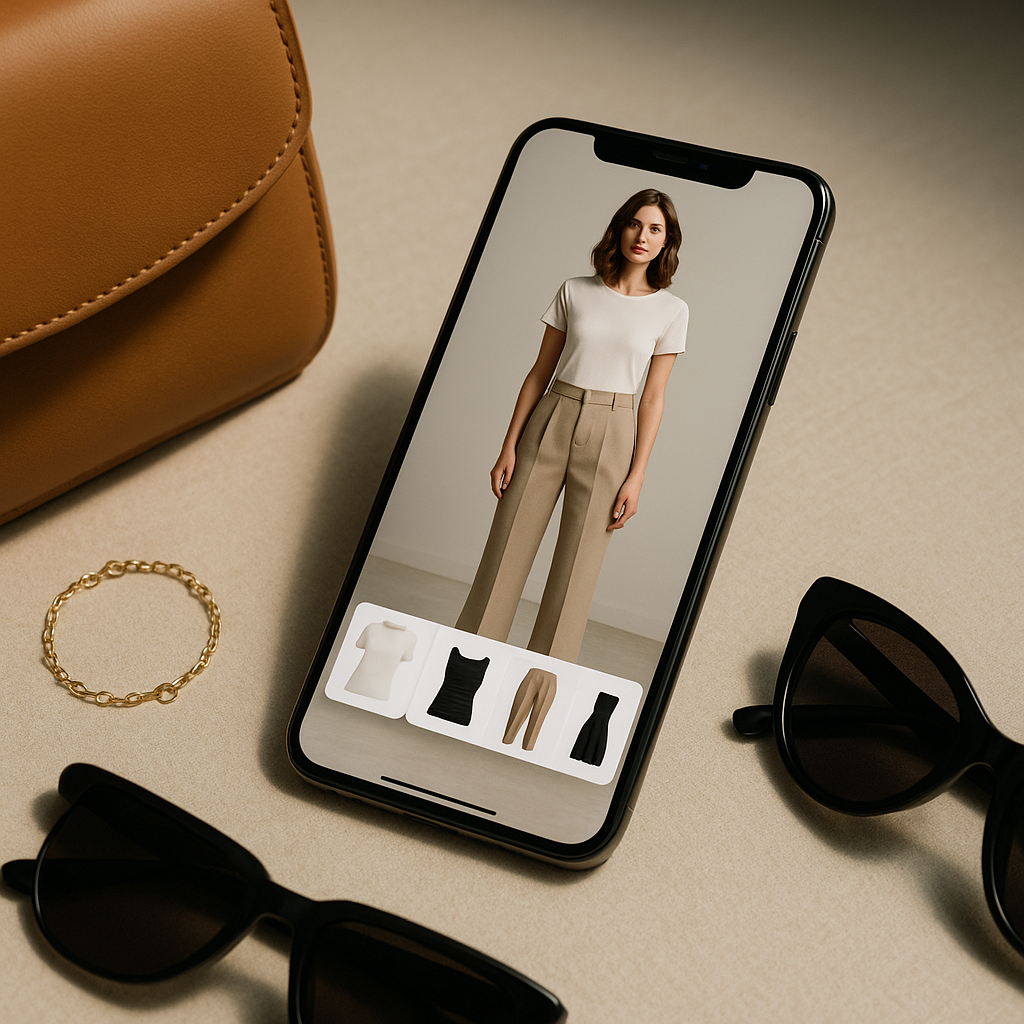
Have you ever wanted to see how an outfit would look on you before actually buying it? Thanks to virtual try-on technology, that dream is now a reality. Even better, you don’t need expensive photo shoots, a professional studio, or high-end equipment to create stunning, realistic try-ons. With tools like Tryfits AI, anyone can generate lifelike fashion visuals using just a smartphone.
In this guide, you’ll learn exactly how to create realistic virtual try-ons step by step, from setting up your space to generating professional-quality results that look like they came straight from a fashion campaign.
What Is a Virtual Try-On?
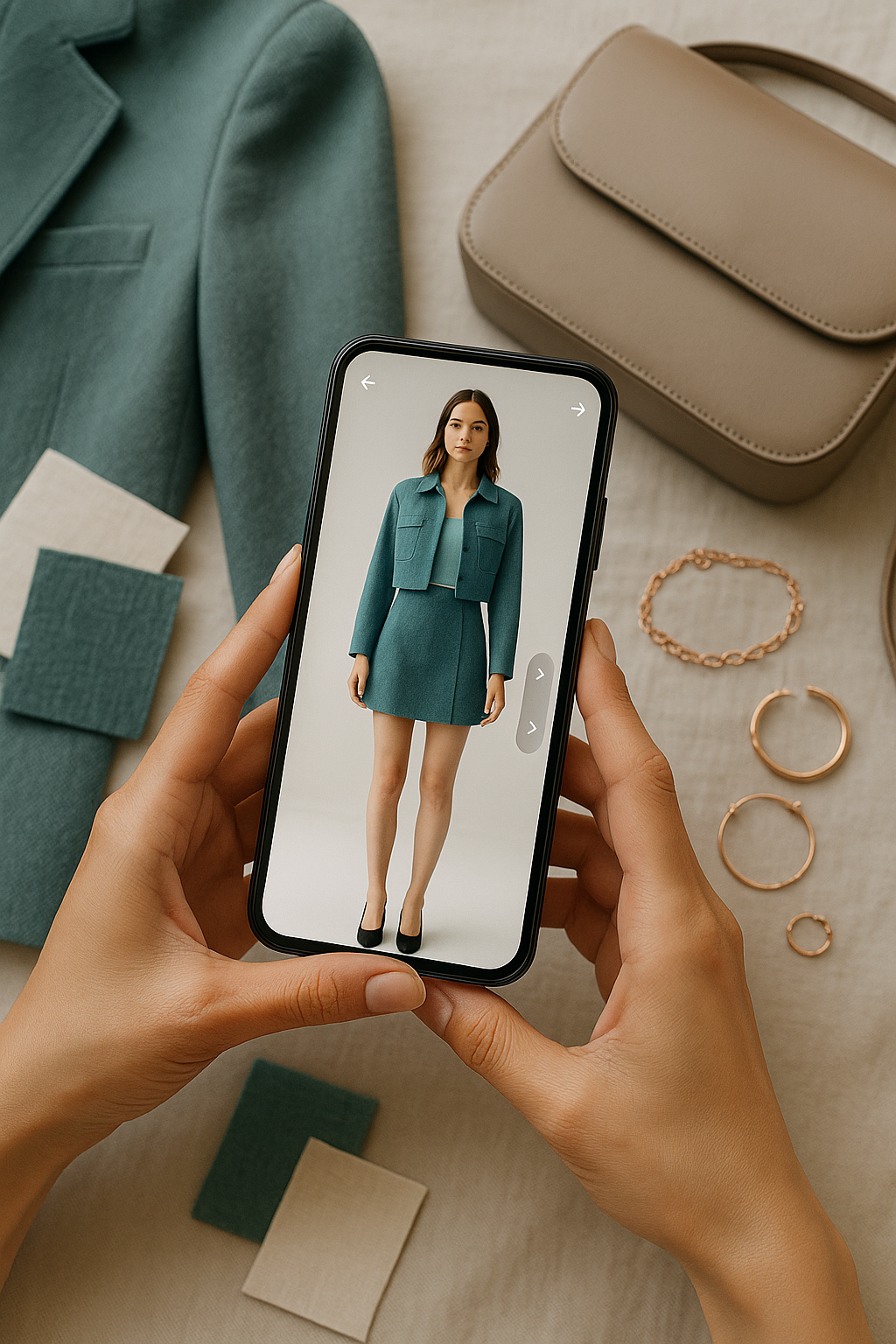
A virtual try-on (VTO) uses artificial intelligence to simulate how clothing items would look on a person. Instead of physically putting on outfits, you can upload a photo of yourself (or a model), and AI technology realistically maps the clothing onto your body, preserving natural folds, lighting, and proportions.
 LIVE FITTING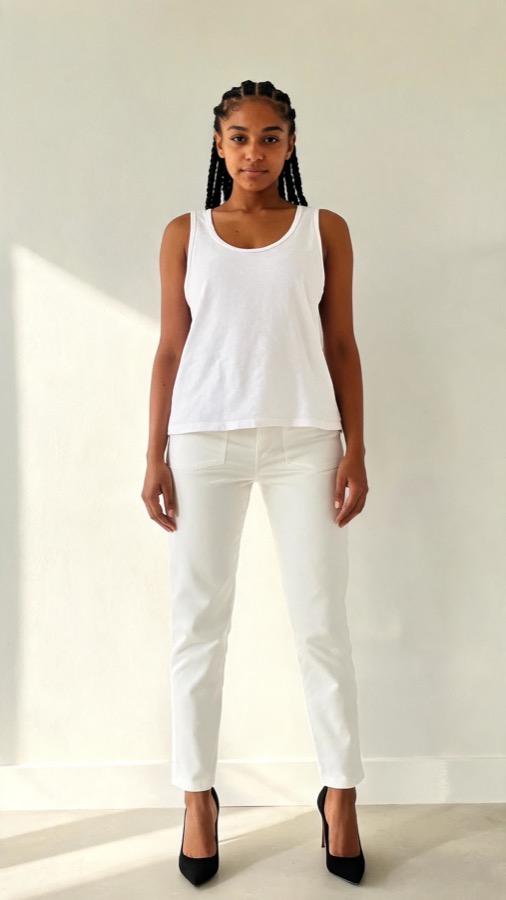

Virtual try-ons are transforming how people shop, style, and share their looks online. Whether you’re a content creator, a fashion brand, or just someone who loves experimenting with style, VTOs make it easy to test different outfits in seconds.
Why You Don’t Need a Studio Anymore
In the past, creating fashion visuals required a full production setup: lights, cameras, models, stylists, and post-editing. Now, apps like Tryfits AI eliminate all that by combining AI styling, photo realism, and intelligent lighting adaptation. That means you can produce photo-ready images in your bedroom, living room, or any naturally lit space.
All you need is a clear photo of yourself and a few style inspirations to start creating.
Step 1: Prepare Your Base Photo
1.1 Choose the Right Background
Natural light works wonders for clarity and realism. Stand in front of a plain background like a wall, curtain, or neutral backdrop. Avoid clutter or complex backgrounds that can distract the AI from your body outline.
1.2 Dress Simply
Wear fitted, plain clothing that allows the AI to detect your silhouette easily. A neutral top and bottom are ideal. This helps Tryfits AI accurately overlay garments without distortion.
1.3 Capture the Perfect Angle
- Use your smartphone camera in portrait mode for best resolution.
- Keep the camera at chest or eye level, depending on the outfit type.
- Ensure full-body visibility for full-length looks.
Pro tip: Ask a friend to take your photo or use a tripod and timer for steady framing.
Step 2: Upload Your Image to Tryfits AI
Once you have your photo ready, open the Tryfits AI app. The interface is designed for simplicity, even for first-time users. Here’s how to begin:
- Upload your selfie or full-body photo.
- Select your desired clothing type. You can choose from tops, bottoms, dresses, or full outfits.
- Browse outfit options. Tryfits AI uses fashion datasets to offer pieces that match your body proportions and aesthetic.
Once you confirm, the AI generates a hyper-realistic virtual try-on in seconds, matching fabric texture, color lighting, and even natural body posture.
Step 3: Adjust Lighting and Poses for Maximum Realism
Lighting is one of the most important factors for realistic results. Tryfits AI automatically adapts clothing shadows and highlights to your original image, but here’s how you can enhance it even more:
- Use daylight when possible. Position yourself near a window for soft, even light.
- Avoid overhead lighting. It can create unflattering shadows.
- Experiment with angles. Slight turns of the body (around 10-15 degrees) add natural depth to your try-on results.
Want video try-ons? Tryfits AI’s motion capture feature turns static images into video try-ons, showing how the outfit moves with you. It’s perfect for social media posts or fashion portfolios.
Step 4: Choose and Customize Outfits
Now comes the fun part – styling your look. Tryfits AI gives you access to a virtual wardrobe with thousands of items. You can mix, match, and experiment endlessly without ever changing clothes physically.
4.1 Use the Style Filter
Looking for something specific? Tryfits AI lets you filter by:
- Occasion (casual, business, formal, streetwear)
- Season (spring, fall, winter, summer)
- Color palette or mood
The app’s AI stylist, your stylist, can even suggest complementary pieces or accessories based on your uploaded photo. For example, if you try on a satin dress, your stylist might recommend minimal heels and a clutch for balance.
4.2 Explore Fit Visualization
Unlike flat images, Tryfits AI replicates how clothing contours to your unique shape. You’ll see realistic folds, textures, and shadows that give you a true-to-life impression of fit. This helps you make better purchasing decisions without guessing sizes.
Step 5: Fine-Tune and Save Your Looks
Once your virtual try-on is generated, you can refine it further:
- Adjust lighting balance: Tryfits AI automatically optimizes the image, but you can tweak contrast or brightness for personal preference.
- Swap pieces easily: Want to try another top or pair of jeans? You can change them instantly without re-uploading your base photo.
- Preview motion: Activate video try-on to see dynamic movement, making it feel like you’re wearing the outfit in real life.
When you’re happy with your results, save your favorite looks to your gallery. You can share them with friends, post on social media, or use them to plan future outfits.


Step 6: Share and Monetize Your Try-Ons
Creating realistic virtual try-ons isn’t just about styling – it can also be an incredible content creation tool. Influencers and creators are using Tryfits AI to produce sponsored posts, affiliate content, and style lookbooks with minimal effort.
Here’s how you can use your try-ons effectively:
- Social media content: Post multiple outfits in one shoot-free session.
- Affiliate marketing: Share product links from the outfits you try on and earn commissions.
- Portfolio building: Create a personal fashion profile showcasing different aesthetics and moods.
Because Tryfits AI produces such high-quality, photorealistic results, your followers might not even realize it’s a virtual image – that’s how realistic it can be.
Step 7: Get AI Style Advice with your stylist
Tryfits AI includes an integrated stylist named Your stylist, who helps users find their ideal outfits. Your stylist analyzes your uploaded photo, body type, and outfit preferences to suggest looks that fit both your silhouette and your personal vibe.
For example:
- If you upload a photo wearing jeans and a white tee, your stylist might recommend layering ideas or accessories to elevate the look.
- If you’re preparing for an event, your stylist can suggest color combinations that complement your skin tone or lighting conditions.
This turns Tryfits AI into not just a try-on tool but a full-fledged fashion assistant you can rely on anytime.
Step 8: Troubleshooting Common Mistakes
Even with advanced AI, a few small adjustments can make a big difference in your results. Here’s how to avoid common pitfalls:
- Blurry images: Always use a sharp, high-resolution photo for best mapping accuracy.
- Harsh shadows: Use diffused light sources to avoid unrealistic shadow overlays.
- Busy backgrounds: Keep it simple so the AI can clearly identify body edges.
Once you master these small tweaks, your try-ons will look just as professional as traditional studio shoots.
Step 9: Use Tryfits AI for Shopping Decisions
Online shopping often leads to returns because it’s hard to know how clothes will actually fit. Tryfits AI eliminates that uncertainty. By virtually trying on items before buying, you can see:
- Whether the fit flatters your shape
- If the color complements your tone
- How pieces layer together in real lighting
This makes your purchases smarter, more sustainable, and far less wasteful. You no longer have to over-order or guess – your AI stylist can show you exactly how things will look.
Step 10: Keep Experimenting
The beauty of AI fashion tools is that creativity has no limit. Tryfits AI continuously updates its clothing database and styling recommendations, meaning you can always explore new trends, test different aesthetics, or even preview outfits for upcoming seasons.
Experiment with styles like:
- Minimalist neutral tones
- Streetwear and layered fits
- Luxury-inspired or runway looks
- Vintage aesthetics with modern flair
Each session helps you understand your personal style better, so your wardrobe choices become more intentional and confident.
Conclusion: Fashion Creation for Everyone
Virtual try-on technology has democratized fashion content creation. What once required professional setups, multiple outfits, and heavy editing can now be achieved by anyone with a smartphone and the right app. With Tryfits AI, you can transform a simple selfie into a full-fledged fashion editorial.
Whether you’re testing a new trend, building your digital wardrobe, or creating content that stands out, this is your toolkit for accessible, high-quality style expression – no studio needed.
Ready to see how that outfit looks on you? Try Tryfits AI today and experience the future of fashion from your phone. You’ll be amazed at how easy and realistic it can be to bring your dream outfits to life.