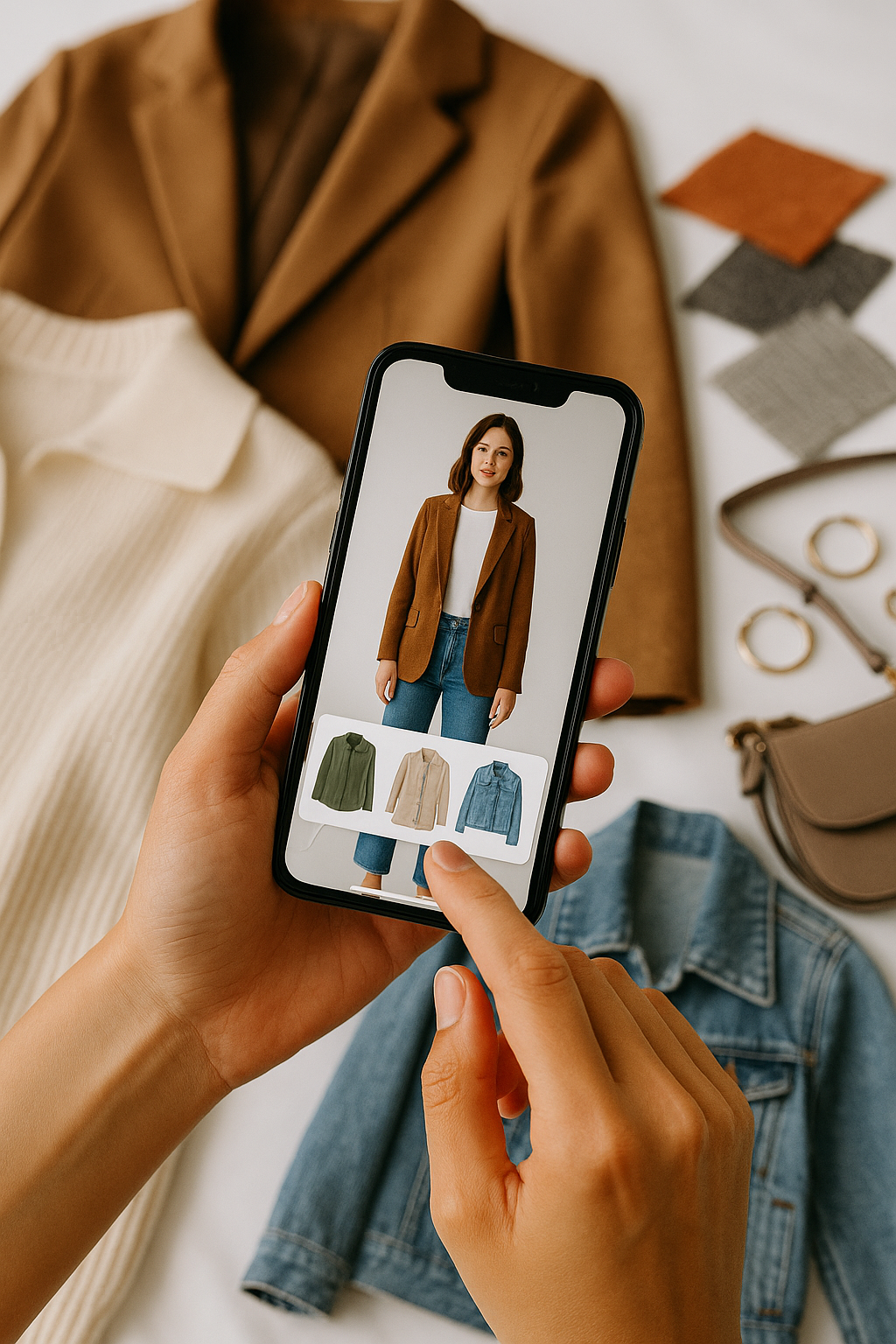
Yes. TryFits AI lets you describe an outfit, generates the clothing concept, then previews it on a digital model made from your photo and measurements. You do not need to find a matching shop listing first. Its Support & User Guide describes this option as telling the AI what you want to wear so it designs the outfit before putting it on you.
The useful question is not whether AI can invent something impressive. It is whether the outfit you have in mind deserves a shopping search. Perhaps you like the idea of a cream funnel-neck knit with charcoal trousers, but cannot picture whether you want a short, boxy jumper or a longer, relaxed one.
When you try on an outfit from a description, you can explore that idea before hunting for individual pieces. Treat the result as a visual draft, not a product photograph or a promise of fit. A generated jumper can help you choose a direction, but it cannot establish how a particular retailer’s jumper will feel or sit.
 LIVE FITTING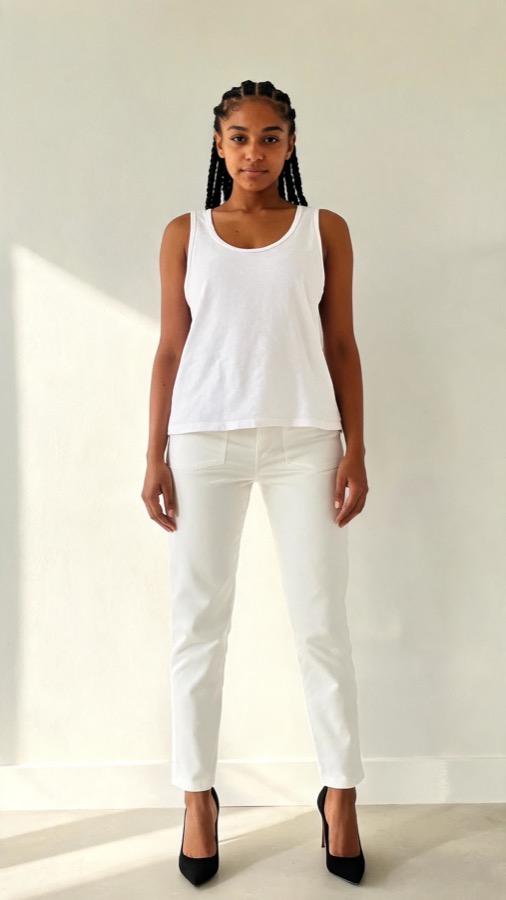

What a description-based try-on actually shows
According to TryFits AI’s supplied FAQ and support information, users can preview store items, paste a product link, upload a garment photo, or create an outfit from a description. The description route starts with an imagined outfit rather than an existing garment. That makes it useful when you know the mood you want but have not found the clothes.
For example, requesting a navy trouser suit with a pale blue shirt gives the system a broad styling direction. Adding a single-breasted jacket, straight trousers and an open shirt collar makes that direction more specific. You are exploring the appearance of those choices on your digital model, not commissioning a garment with verified construction.
Keep two separate questions in mind: do you like the proposed outfit, and does a real item meet your needs? The preview addresses the first. Product measurements, fabric composition and a physical try-on remain necessary for the second.
Write a prompt that answers one outfit question
Start with the decision you need to make. “Something stylish for autumn” leaves too much unspecified. “A hip-length olive jacket with dark straight jeans and a cream crew-neck knit” gives you a recognisable combination to assess.
Specify garment shapes before decorative details. Jacket length and trouser width affect the overall outline more than a particular button finish. Once the silhouette feels right, explore colours or textures without changing everything else.
- Name each main garment: a cardigan, shirt and trousers, rather than “smart casual clothes”.
- Describe the cut: cropped and boxy, fitted through the waist, straight-leg or gently flared.
- Add colour and fabric cues: chocolate corduroy, ivory cotton poplin or charcoal wool.
- Explain the styling: shirt untucked, jacket open or sleeves full length.
- State practical constraints: covered shoulders, flat shoes or layers suitable for a cool commute.
These details guide the generated concept; they do not guarantee that every instruction will appear accurately. Read the result against your prompt. If a requested crew neck becomes a high collar, or straight trousers look tapered, do not base your decision on that altered feature.
Three outfit descriptions worth testing
A polished outfit for a chilly commute
Try: “A navy hip-length wool jacket worn open over an ivory fine-gauge crew-neck knit, charcoal straight-leg trousers and black leather loafers. Full-length sleeves, no scarf.” This tests a restrained work outfit without letting accessories distract from the jacket and trouser relationship.
For a second version, change only the jacket to a waist-length cut. Compare which length you prefer with the same trousers. In real life, choose sufficient room for the knit beneath it, and use weather-resistant footwear if your commute involves wet pavements; a preview cannot establish warmth or waterproofing.
A dinner outfit that does not require heels
Try: “A deep burgundy long-sleeved midi dress in matte crepe, a gently defined waist, a softly flared skirt and black flat ankle boots.” The specific fabric cue keeps the idea focused on a quieter finish rather than a glossy party look.
Then request the same dress with a straight skirt to explore a different outline. Look at whether you prefer the relationship between the hem and boots, not whether the rendering proves you can walk comfortably. Check the real dress’s slit, lining and skirt circumference before choosing it for stairs or a long evening seated.


A relaxed weekend combination
Try: “An oatmeal cotton cardigan with a round neckline, a white T-shirt, dark indigo straight jeans and brown suede trainers. The cardigan ends at the upper hip and is worn open.” This gives you a simple base for exploring knitwear length without adding a new colour palette.
If you prefer longer coverage, request a mid-hip cardigan while keeping everything else unchanged. Cotton knitwear suits milder days; consider a wool blend when it gets colder. Swap suede footwear for smooth leather or another suitable wet-weather option when rain is forecast.
Turn the generated outfit into a realistic shopping brief
After reviewing the preview, write down the features you actually liked. “Burgundy dress” is a broad search. “Burgundy long-sleeved crepe midi dress with a softly flared skirt” gives you a more useful starting point, even if the exact generated design does not exist.
Separate essentials from preferences. You might require full sleeves and flat-shoe compatibility while being flexible about neckline or shade. That prevents an attractive generated detail, such as an unusual fastening, from sending you searching for an unnecessarily exact match.
When you find a real candidate, use its product link or garment photo for a product-based preview rather than assuming the imagined outfit represents it. Our guide to trying on clothes from a product link explains that separate starting point.
Check what the image cannot tell you
A fabric description is a visual instruction, not a material test. Generated satin does not establish opacity, and generated wool does not establish softness. Read composition and care information, examine close-up product photographs, and check whether the garment is lined.
Likewise, a convincing silhouette is not evidence of exact sizing. Compare your measurements with the retailer’s chart and look for garment measurements where available. For complex patterns, our guide to whether virtual try-on shows prints accurately covers another detail that deserves scrutiny.
Common questions
Do I need a product photo to try on an outfit from a description?
No. TryFits AI’s description option generates an outfit concept before previewing it on your digital model. Use this route for an idea you have not found in a shop. Use a product link or garment photo when you want to explore a particular existing item.
Can I buy the exact outfit generated from my prompt?
Do not assume so. A description-generated outfit is a concept, not proof that matching products exist. Use its silhouette, colours and garment details as a shopping brief, then check real listings for availability, construction and price.
Will a description-based try-on tell me which size to order?
No. It is a visual preview, not a guarantee of exact size or fit. Choose your size using the retailer’s measurements and fit guidance. Once the clothes arrive, check movement, fastening tension and comfort with the layers you intend to wear.