
Beginner’s Guide to Virtual Wardrobes: How to Upload, Try, Save and Share Your Digital Outfits
In this beginner-friendly guide, you’ll learn how to create and manage your virtual wardrobe step-by-step. We’ll explore how to upload your clothes, try them on digitally, save outfit combinations, and share your looks online. Whether you’re curious about AI-powered fashion tools or just want to organize your closet virtually, this tutorial will walk you through everything you need to know.
The Problem: Too Many Clothes, Too Little Clarity
Let’s talk about something we’ve all faced at some point. You open your closet and stare at a mountain of clothes, yet somehow feel like you have nothing to wear. Or maybe you’re shopping online and think, “Will this actually look good on me?”
 LIVE FITTING

Between impulse buys, forgotten favorites, and the endless scroll of new arrivals, keeping track of your wardrobe can feel overwhelming. That’s where virtual wardrobes come in. They simplify your fashion life by letting you organize, plan, and preview your outfits digitally. But for many beginners, the idea of “uploading” or “trying on” digital clothes sounds confusing or even intimidating.
Here’s what I’ve learned: once you understand the process, virtual wardrobes are incredibly fun and surprisingly easy to use. Let’s break it down step-by-step so you can build your own and actually enjoy the process.
Solution 1: Upload Your Clothes – The Foundation of Your Virtual Wardrobe
Why Uploading Matters
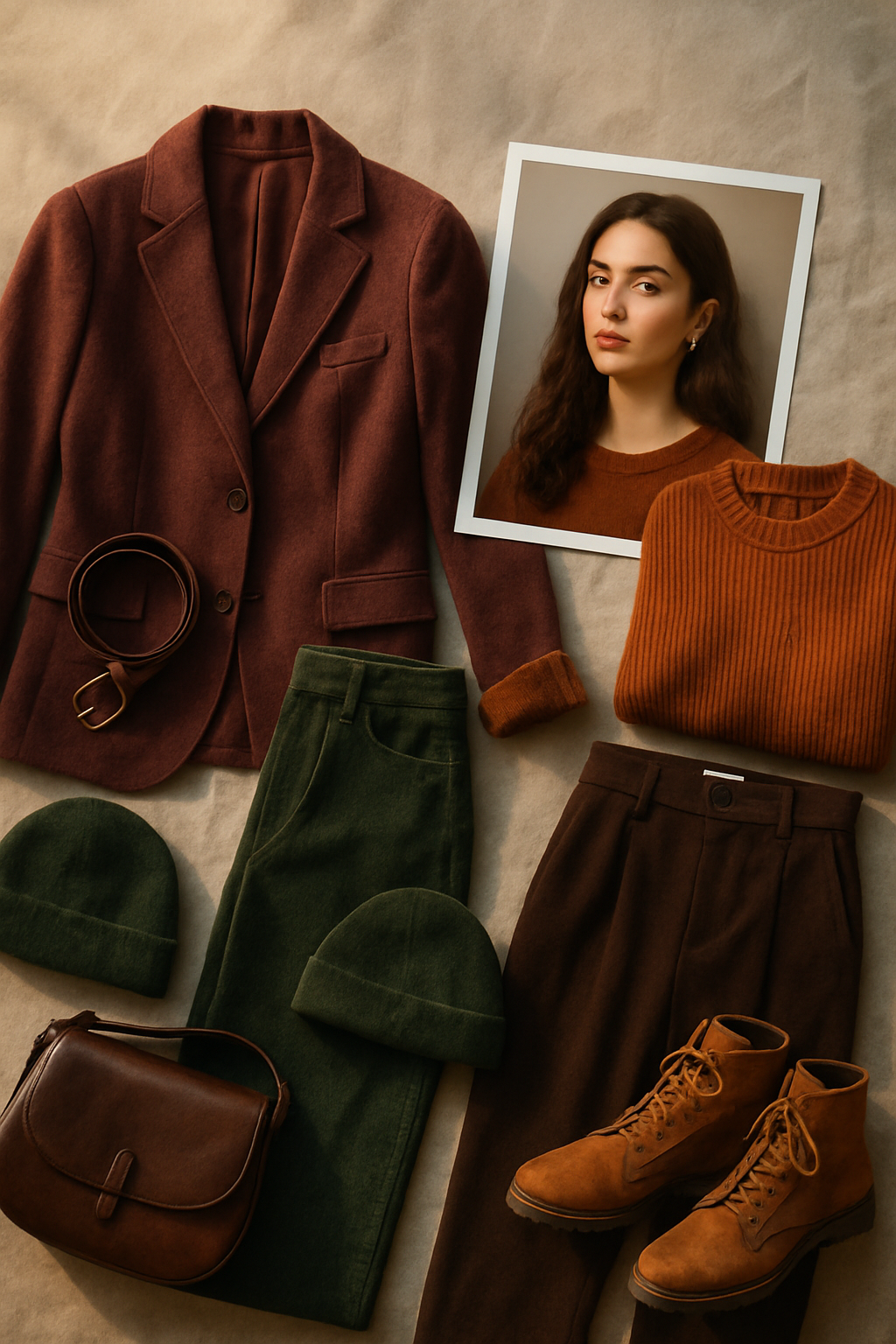
Your virtual wardrobe starts with your real clothes. Uploading your pieces digitally helps you visualize everything you own without rummaging through drawers. It’s like having a personal fashion catalog that’s always at your fingertips.
How to Upload Your Clothes
Most virtual wardrobe platforms let you add your clothing in a few ways:
- Take Photos: Lay your items flat on a neutral background and snap a photo. Make sure the lighting is even, and avoid shadows that distort color.
- Use Online Listings: If the piece is from an online store, you can often import its image and details directly.
- Scan with AI Apps: Tools like Tryfits AI can automatically recognize clothing items from a photo and categorize them for you. This saves a ton of time and makes your wardrobe instantly searchable.
Practical Example
Let’s say you upload your favorite denim jacket. You can tag it as “outerwear,” “casual,” and “blue.” Later, when you’re planning an outfit, you can search your wardrobe for “casual + blue” and instantly find it. No more forgetting what’s tucked away on the back shelf.
Solution 2: Try On Your Outfits Virtually – See What Works Before You Wear It
The Magic of Virtual Try-Ons
You know how frustrating it is to try on multiple outfits before finding “the one”? Virtual try-on technology changes that. Instead of physically changing clothes, you upload a picture of yourself (or a model with similar body type) and use AI tools to see how your clothes look on you digitally.
How to Try On Clothes Online
- Upload a photo of yourself: Choose a clear, full-body image where you’re standing straight with good lighting.
- Select your clothing items: Pick the pieces you’ve uploaded or browse from digital collections.
- Adjust fit and style: Many tools let you tweak the fit or see how it drapes naturally.
For example, Tryfits AI offers realistic video try-ons. That means you can see how a dress flows or how jeans move with your body – not just a static photo. It feels almost like standing in front of a smart mirror.
Actionable Tip
Try testing color combinations before wearing them in real life. Maybe that emerald top you love looks better with white pants than with black. You’ll save time, avoid outfit regrets, and feel more confident stepping out the door.
Solution 3: Save and Organize Your Outfits – Build Your Digital Closet Library
Why Saving Matters
Once you’ve mixed and matched outfits you love, saving them digitally is key. Think of it as your personal lookbook – one that evolves with your style.
Organizing Ideas
- By Occasion: Work, weekend, party, travel, etc.
- By Season: Spring favorites, summer essentials, fall layers, winter cozies.
- By Color Palette: Warm neutrals, bold brights, monochrome looks.
Pro Example
Let’s say you have a “Workwear” category. You might save combinations like:


- Blazer + White Tee + Cropped Trousers
- Wrap Dress + Ankle Boots
The next time you’re getting ready for a meeting, you can scroll through your saved looks and pick one instantly.
Smart Tip
Some apps let you rate or comment on saved outfits. Write notes like “Perfect for cold mornings” or “Pair with gold jewelry next time.” These small reminders make your digital wardrobe smarter over time.
Solution 4: Share Your Digital Outfits – Inspire and Connect
Why Sharing Matters
You know how fun it is to show a friend your new outfit? Virtual wardrobes take that social experience online. Sharing your digital looks lets you get feedback, inspire others, and even collaborate on fashion ideas.
Ways to Share
- Private Links: Send your outfit to a friend for quick advice before an event.
- Social Media: Post your lookbook on Instagram, TikTok, or Pinterest for inspiration and feedback.
- Community Features: Some platforms let users comment or recreate looks from each other’s wardrobes.
Example in Action
Imagine you’re experimenting with vintage-inspired outfits. You upload your look to Tryfits AI and get instant AI styling advice from your stylist, the virtual fashion assistant. It might suggest swapping sneakers for loafers to elevate the look. You can then post the updated outfit and get reactions from your friends. It feels collaborative, interactive, and fun – like your closet finally joined your social circle.
Solution 5: Keep Improving – Evolve Your Style with AI Insights
Why Continuous Refinement Matters
Your wardrobe, just like your style, isn’t static. The best part about digital wardrobes is how they help you evolve. AI tools can track what you wear most, identify gaps in your closet, or suggest pieces that complement what you already own.
Tryfits AI’s Smart Insights
For instance, Tryfits AI uses machine learning to analyze your uploaded pieces and outfit history. It can recommend what’s missing from your wardrobe (like that perfect neutral bag) or alert you when you’ve got too many similar styles. This makes your fashion choices more intentional and sustainable.
Actionable Example
Maybe you discover that 80% of your outfits use the same pair of jeans. That’s a sign your wardrobe might benefit from a few more versatile bottoms. Instead of buying impulsively, you can focus on pieces that expand your styling options.
Comparing Virtual Wardrobe Options
- Manual Upload Tools: Simple and free, but time-consuming to photograph every item.
- Closet Management Apps: Great for organization, but limited visualization capabilities.
- AI-Powered Try-On Platforms: Offer realistic outfit previews and style suggestions. Tryfits AI stands out here because of its photorealistic video try-ons and personalized recommendations.
Recommendation: Start Small, Then Go Digital
If you’re new to virtual wardrobes, begin with 10-15 favorite pieces. Upload, categorize, and play with combinations. As you get comfortable, expand your collection. The key is to make it enjoyable, not overwhelming.
Remember, this isn’t about perfection. It’s about exploring your style and gaining confidence in what works for you. With tools like Tryfits AI, you can experiment, learn, and express yourself visually – all without leaving your home.
Conclusion: Your Closet, Upgraded
Building your first virtual wardrobe is like unlocking a new level of fashion freedom. You’ll save time, rediscover old favorites, and make smarter style decisions. Most importantly, you’ll see your outfits come to life before you wear them, which makes fashion more fun and personal than ever.
Ready to see how that outfit looks on you? Try uploading your wardrobe today and experience virtual try-ons with Tryfits AI. You might be surprised how effortless dressing well can feel when your entire closet fits in your pocket.

One thought on “Guides & Tutorials: “Beginner’s Guide to Virtual Wardrobes: How to Upload, Try, Save and Share Your Digital Outfits””