Step-by-Step: How to Create Realistic Virtual Try-Ons Without a Studio Setup
Creating realistic virtual try-ons no longer requires an expensive photo studio or advanced technical setup. With today’s AI-powered fashion tools, anyone can design lifelike outfit visualizations using only a smartphone and a good sense of lighting. Whether you are a stylist, influencer, or fashion brand, mastering at-home try-on creation gives you a competitive edge in the growing digital fashion space. Research shows that shoppers are 60% more likely to make a purchase when they can visualize how an outfit looks on them. That means better engagement, higher sales, and stronger trust in your styling content.
This guide walks you through exactly how to create realistic virtual try-ons from home using minimal equipment, smart techniques, and AI-driven tools. Each step will help you refine quality, realism, and presentation without ever stepping into a studio.
 LIVE FITTING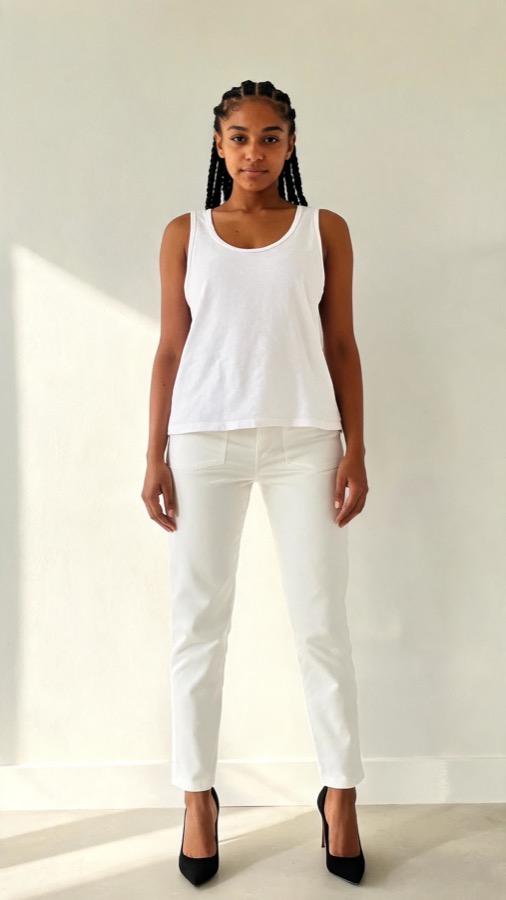

1. Choose the Right Environment for Your Shoot
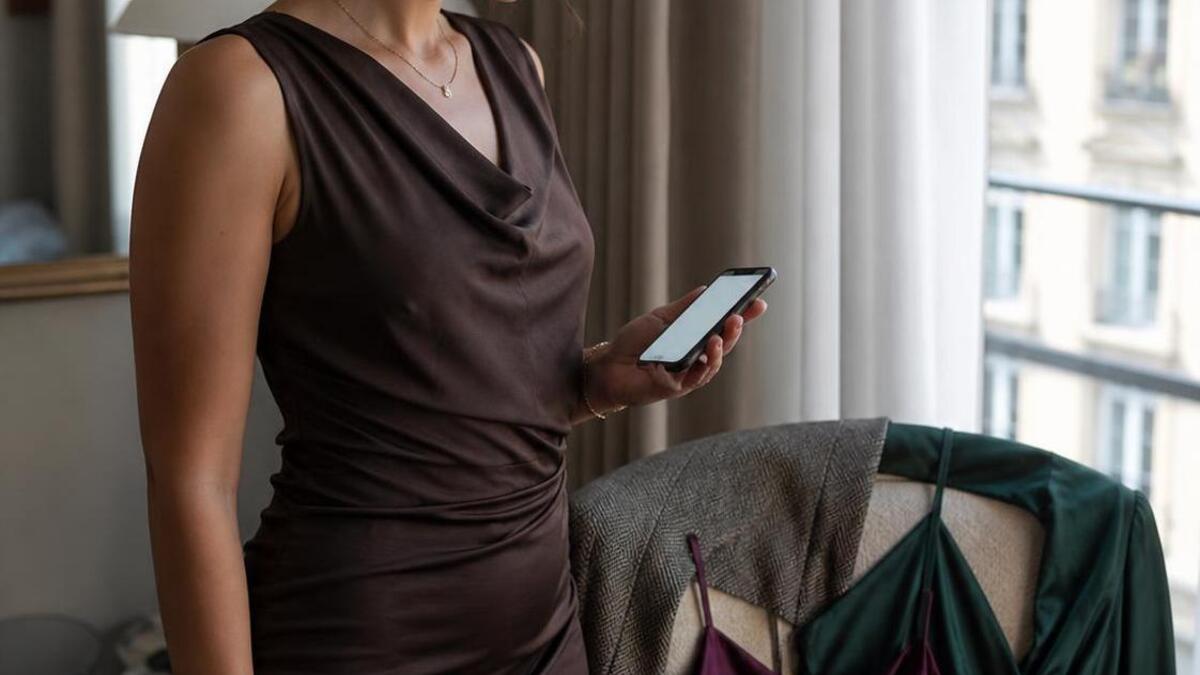
The foundation of a realistic virtual try-on is a clean and well-lit environment. You don’t need professional lighting rigs, but you do need consistency. Natural daylight is your best friend here. Industry experts agree that soft, indirect sunlight produces the most flattering tones and helps AI tools generate more accurate try-on results.
Set up near a window during daylight hours, ideally with sheer curtains that diffuse light evenly. Avoid harsh shadows or overhead lighting that distorts facial features and clothing proportions. Clear the background of distractions and use a neutral backdrop such as a plain wall or solid-colored curtain. The simpler your setup, the easier it is for AI algorithms to isolate and dress your figure accurately.
Tip: If your lighting conditions change throughout the day, use a basic ring light to maintain even exposure. You can adjust brightness and color temperature to match natural light tones.
2. Capture High-Quality Reference Photos
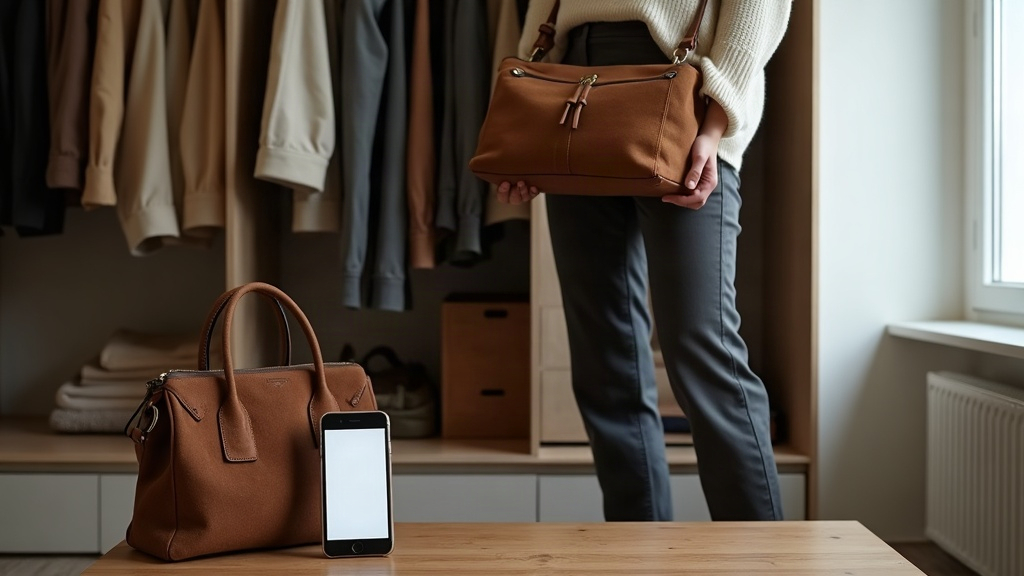
Your photo quality directly affects how realistic your virtual try-ons will look. Blurry or poorly framed photos make it difficult for AI to recognize body contours, posture, and proportions. For the best results, use the rear camera on your smartphone since it typically has higher resolution. Set up a tripod or prop your phone on a stable surface to keep the frame steady.
Position yourself or your model at a medium distance, capturing the full body from head to toe. Keep your arms slightly relaxed at your sides and maintain a neutral stance. Research shows that symmetrical and well-balanced poses yield the most accurate virtual clothing alignment. Avoid crossed arms or extreme angles that obscure key areas like shoulders or hips.
If possible, take multiple shots from different angles (front, side, and three-quarter). This helps AI-powered tools like Tryfits AI process depth, body shape, and natural shadows more effectively. Tryfits AI uses this visual data to render hyper-realistic try-ons that move fluidly, making your final look appear natural and lifelike.
3. Use Smart AI Tools to Simulate Outfits
Once you have your base photos, it’s time to generate your virtual try-ons. The key factor is selecting a reliable AI fashion platform that prioritizes realism. Look for tools that use deep learning to map clothing textures onto your body image while maintaining correct lighting and proportions.
Tryfits AI (available at tryfitsai.com) is an excellent example. It allows users to upload a photo and instantly see themselves wearing any outfit from a growing digital wardrobe. You can explore realistic video try-ons, receive AI-powered style advice from your stylist, and experiment with different looks before committing to a purchase. This eliminates guesswork and replaces it with confidence and visual precision.
To ensure consistency, upload clear and well-lit photos, then choose clothing images with transparent or neutral backgrounds. Experiment with colors and fabrics, and check how lighting interacts with your skin tone and environment. You can also generate outfit videos to observe motion and drape, giving you a more immersive perspective.
4. Pay Attention to Lighting and Shadows
Lighting can make or break the realism of a virtual try-on. Even if your photo is perfectly shot, mismatched lighting between your image and the clothing overlay can make the final output look artificial. To avoid this, try to match the direction and intensity of the light on your clothing assets with your original photo.
Industry experts agree that soft, even lighting creates more believable results. For example, if the original image has lighting coming from the left side, choose or edit clothing images that mimic the same direction of light. Many AI tools, including Tryfits AI, automatically adjust contrast and tone mapping, but starting with balanced source material significantly improves accuracy.
For finer control, you can use free mobile apps like Snapseed or Lightroom to tweak exposure and shadows. Avoid excessive filters or color grading that alter natural skin tones, as this can make clothing textures appear inconsistent.
5. Focus on Styling Details and Textures
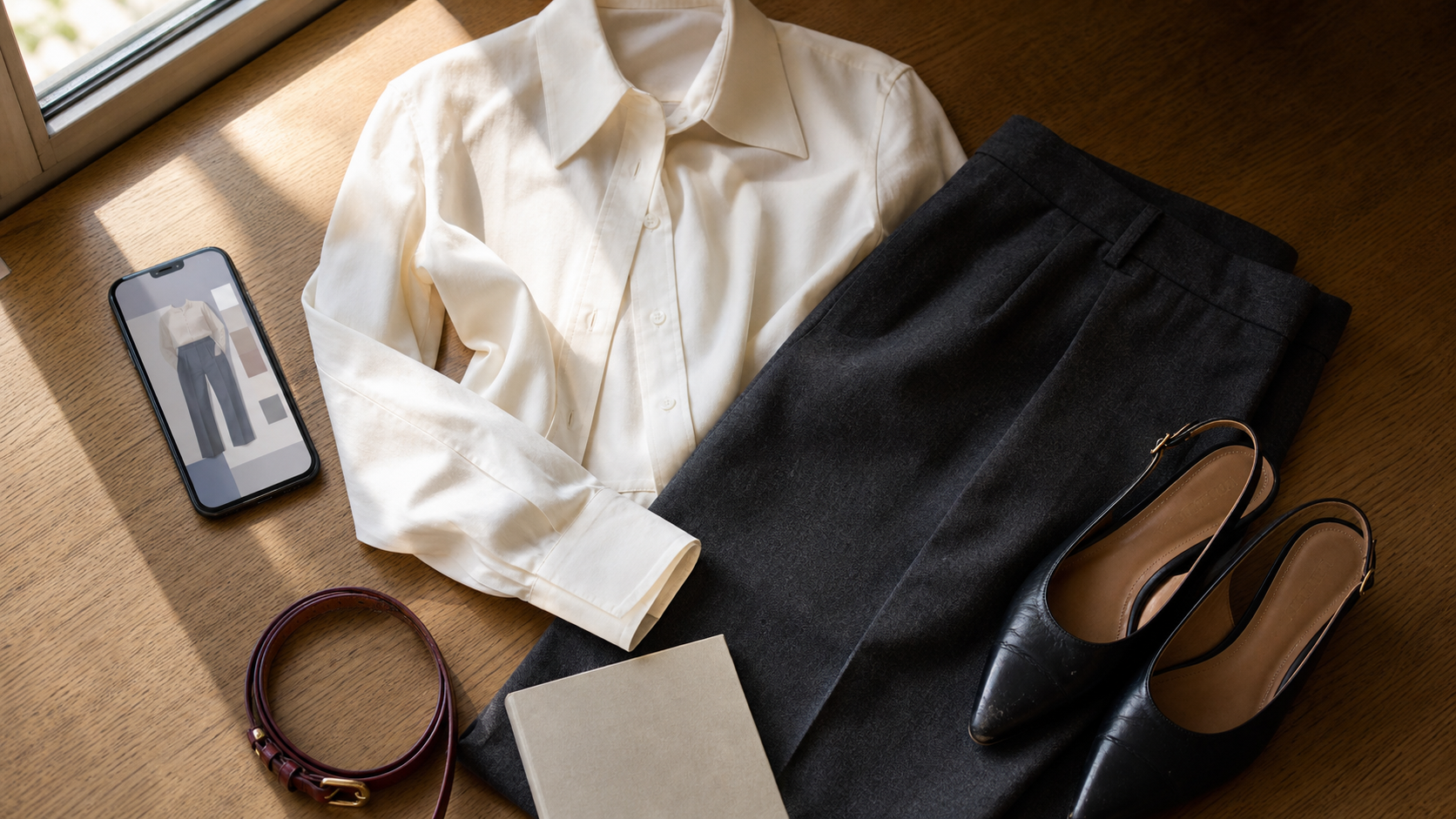
Realism comes down to small details: fabric texture, folds, layering, and how clothing interacts with body shape. AI-powered virtual try-on platforms use advanced garment mapping to simulate these details, but your input still matters. Choose outfits that realistically match your photo’s posture and body type.
For instance, if your photo shows you standing upright with relaxed arms, a structured blazer will appear more natural than an oversized draped cardigan. Similarly, fabrics with visible texture like denim, knit, or linen translate better visually than glossy materials, which may reflect light inconsistently.
Research shows that users engage longer with try-ons that include natural folds and realistic fabric movement. In Tryfits AI, you can test how garments respond to motion by generating video try-ons, making it ideal for creators who post outfit clips on social media or e-commerce listings.


6. Edit and Refine for a Professional Finish
Once your virtual try-ons are generated, take time to refine the final presentation. Small edits can elevate your results from “good” to “studio-quality.” Cropping, color correction, and background adjustments are often all it takes. Aim for a consistent aesthetic across all your images so that they look cohesive on your website or social media feed.
For influencers or online sellers, maintaining brand consistency is essential. Use similar color palettes, lighting, and framing for every image. According to visual marketing research, consistent imagery increases recognition and viewer trust by over 80%.
Before publishing, zoom in to check for mismatched edges or pixelation. Subtle touch-ups using mobile editing tools can remove minor artifacts without compromising realism. Keep edits minimal and avoid filters that distort fabric colors or skin tones. The goal is authenticity, not perfection.
7. Publish, Test, and Optimize Your Try-Ons
After your virtual try-ons are ready, share them strategically. Post across multiple channels such as Instagram, TikTok, or your online store to gauge audience reactions. Observe which outfit styles or lighting setups perform best. Data shows that posts with motion (like Tryfits AI’s video try-ons) generate up to 2.5 times more engagement compared to static photos.
Testing helps you identify what resonates with your followers and customers. Over time, you’ll refine your technique and discover which combinations of clothing, lighting, and editing yield the most convincing and stylish results. Remember, virtual fashion is as much about creativity as it is about technology. Keep experimenting and evolving your visual storytelling style.
For businesses, integrating AI-powered virtual try-ons can also streamline customer experience. By showing customers how products look in real-life proportions, return rates can decrease and conversion rates can improve significantly. That’s the future of fashion retail – digital-first, customer-centered, and powered by AI precision.
Frequently Asked Questions
Do I need professional lighting to create virtual try-ons?
No. Natural daylight is typically enough for realistic results. If needed, a basic ring light or softbox can help even out shadows.
Can I use virtual try-ons for video content?
Yes. Platforms like Tryfits AI support video try-ons, allowing you to showcase clothing movement dynamically. This is especially effective for influencer content and online sales.
How accurate are AI-powered try-ons?
Modern systems use advanced body mapping and texture simulation, producing lifelike results when provided with clear, well-lit photos. The accuracy depends mainly on image quality and pose.
What kind of photos work best?
Full-body shots taken in good lighting with neutral poses yield the best outcomes. Avoid extreme angles or cluttered backgrounds.
Is it worth investing in AI try-on tools?
Absolutely. As fashion continues to move online, virtual try-ons enhance both consumer experience and brand professionalism. They save time, reduce returns, and increase buyer confidence.
Conclusion
Creating realistic virtual try-ons without a studio setup is easier than ever. With smart lighting, high-quality reference photos, and advanced AI tools like Tryfits AI, you can produce fashion visuals that look professional, authentic, and engaging. The key is consistency, attention to detail, and an understanding of how light, texture, and styling work together to create believability.
Virtual try-ons are not just a novelty – they’re a core part of how modern consumers explore fashion. Whether you’re showcasing outfits for social media, marketing a product line, or simply testing styles for yourself, mastering this skill will elevate your visual presentation and brand credibility.
Ready to see how that outfit looks on you? Try Tryfits AI today and experience lifelike virtual try-ons, style advice, and confidence in every click.