Guides & Tutorials: Step-by-Step: How to Create Ultra-Realistic Virtual Try-Ons with Just Your Phone
You know how sometimes you see an outfit online and think, “That would look amazing on me,” only to find out later that it doesn’t fit your vibe at all? Yeah, we’ve all been there. But imagine if you could actually see how that outfit looks on you before hitting “add to cart.” That’s exactly what virtual try-ons are doing for fashion lovers right now – and the best part? You can create ultra-realistic ones using nothing more than your phone.
Let’s talk about how to make that happen. Whether you’re experimenting with your personal style, creating fashion content, or just trying to make smarter shopping choices, this guide will walk you through how to create stunning, realistic virtual try-ons that feel like magic – but are actually just smart tech and good lighting.
 LIVE FITTING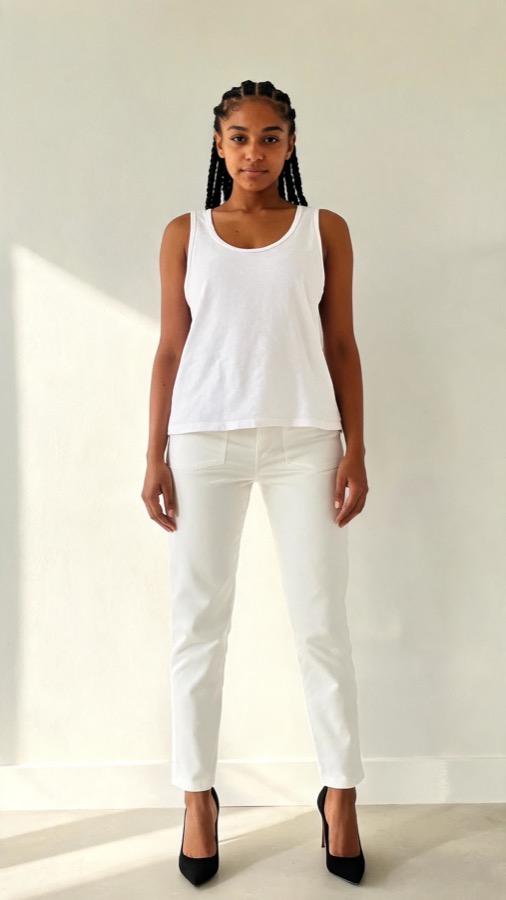

Meet Jamie: The Story That Started It All
Before we dive into the how-to, let’s start with a quick story. Jamie, a content creator with a love for fashion but not a big budget, used to spend hours shopping online, buying, trying, and returning. It was exhausting. Then, she discovered that she could use her phone to create virtual try-ons – and suddenly, her fashion game changed.
“It felt like I was walking into my own digital closet,” she told me. “I could try on anything – from luxury dresses to streetwear – without spending a cent.”
Jamie’s secret? She learned a few practical tricks to make her virtual try-ons look *ultra-realistic*. And now, you’re going to learn them too.
Step 1: Start with a Great Base Photo
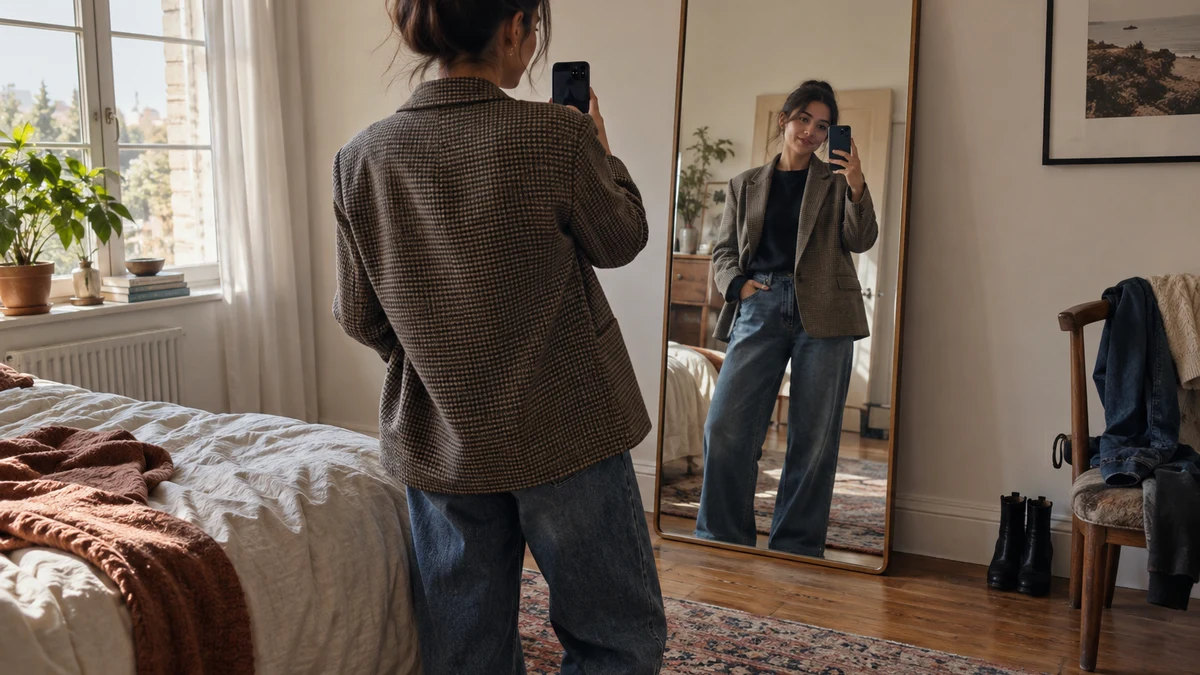
Everything begins with your photo. This is the “canvas” for your virtual try-on, and the quality of your final result depends heavily on how you capture it. You don’t need a professional camera – your phone is more than enough. What matters is *how* you take the shot.
Here’s what works best:
- Lighting: Natural light is your best friend. Face a window or step outside on a cloudy day to get even, flattering light without harsh shadows.
- Pose naturally: Stand tall, relax your shoulders, and avoid exaggerated poses. Think about how you’d stand when trying clothes in front of a mirror.
- Neutral background: A clean wall or uncluttered space makes it easier for the app to detect your body shape and apply outfits accurately.
- Full-body frame: Make sure your entire body is visible, including your feet. This helps create a seamless and realistic virtual outfit.
If you’re using an AI-powered app like Tryfits AI, it automatically removes the background and adjusts lighting for you, which saves tons of time.
Step 2: Choose the Right Outfit Images
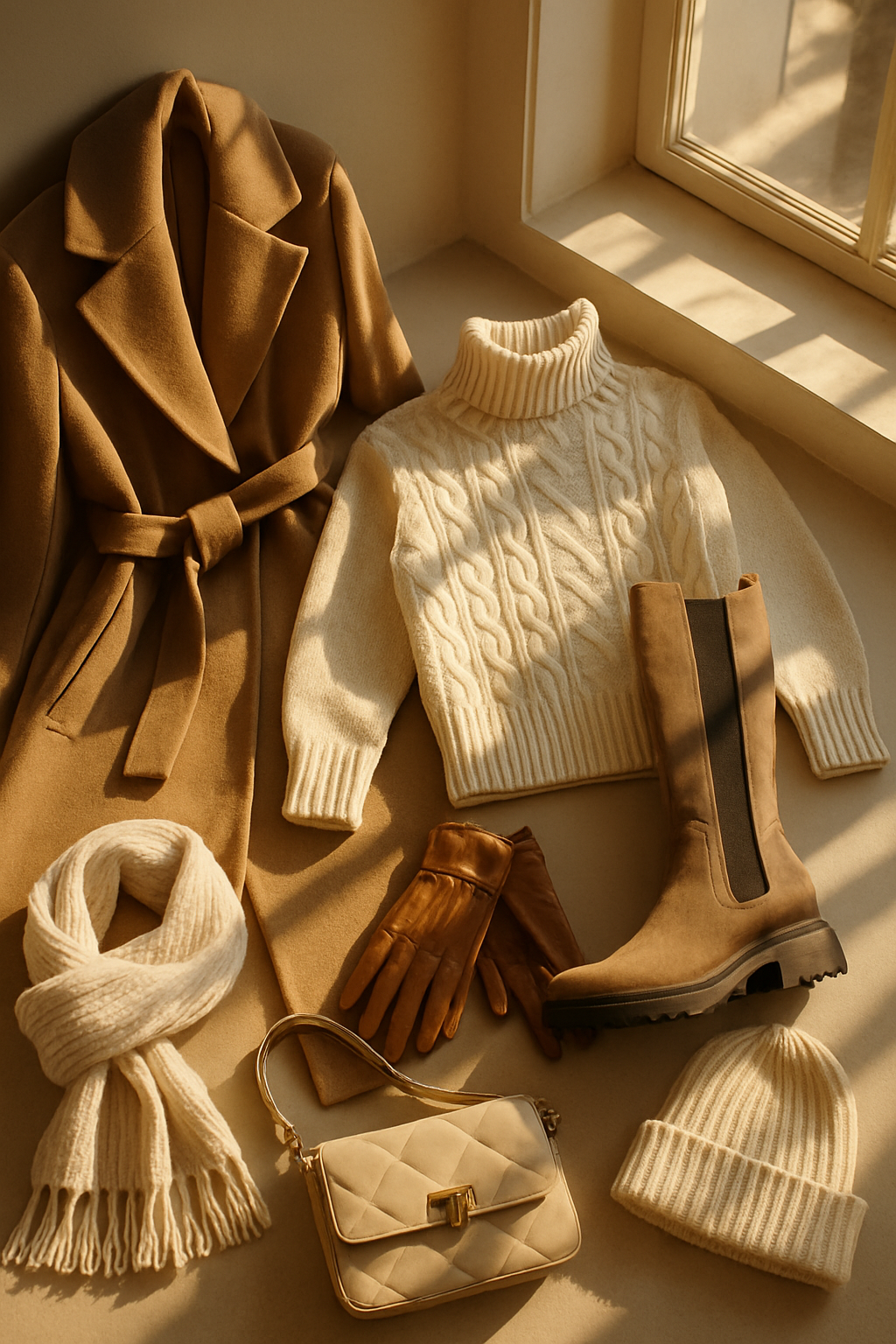
Once you have your base photo, the next step is choosing what you’ll “try on.” The key to realism is picking outfit images that match the lighting, angle, and body position of your base photo.
Tips to nail it:
- Consistent lighting: If your base photo is bright and natural, pick outfit photos that aren’t heavily shadowed or artificially lit.
- Angles matter: A front-facing outfit works best with a front-facing base photo. Side poses look better with angled outfit images.
- Look for clean edges: The clearer and sharper the outfit image, the better it will blend when applied digitally.
Many apps, including Tryfits AI, already have a built-in library of outfits from real brands. You can browse collections, select an outfit, and instantly see how it looks on your body. No hunting down photos required.
Step 3: Use the Right Virtual Try-On Tool
This is where the magic happens. Virtual try-on tools use AI to map clothing onto your image, adjusting for proportions, textures, and shadows. The goal is to make it look like you’re actually wearing the outfit – not like it’s just been pasted on top.
Here’s what to look for in a good app:
- High realism: Look for apps that use 3D garment simulation and dynamic lighting. Tryfits AI, for instance, creates photorealistic results using advanced body modeling.
- Style customization: The best platforms let you tweak colors, mix pieces, or even get style advice from an AI stylist (Tryfits AI includes one built in who helps you choose your best looks).
- Ease of use: You shouldn’t need editing skills. The best tools let you upload, select, and generate in under a minute.
Think of this step as your virtual fitting room – except you can change looks with a tap, no awkward changing booth required.
Step 4: Refine Your Results for Realism
Once you’ve generated your try-on, take a moment to refine it. Even the most advanced AI tools benefit from a few finishing touches.
Here’s how to make your results pop:
- Adjust shadows and highlights: Slightly darken shadowed areas under sleeves or around folds to make it more lifelike.
- Match the lighting direction: If your face is lit from the left, make sure your outfit reflects that same light direction.
- Blend textures: Pay attention to fabric details like satin, leather, or denim. A small adjustment in brightness can make them look truly real.
- Check proportions: Some tools let you resize or reposition garments slightly – use this to ensure a natural fit.
Jamie’s secret to success? She’d always zoom in to check details. “If it looks good close up, it’ll look perfect on camera,” she says.
Step 5: Bring It to Life with Movement
Static try-ons are great, but if you want to level up, try creating *video try-ons*. These are short clips where the outfit moves naturally with you, making it look incredibly real. It’s a game-changer for creators and online shoppers alike.


Apps like Tryfits AI let you upload a short video or even a still photo, then generate a moving try-on that follows your body’s motion. Imagine watching yourself twirl in a dress you haven’t even bought yet – that’s the power of video AI.
Quick pointers for great video try-ons:
- Keep movements simple – turn slightly, walk forward, or smile naturally.
- Wear fitted clothes in the base video so the AI can detect your body lines accurately.
- Record in bright, even lighting with minimal background distractions.
This is where you start to see that “wow” moment – where virtual fashion stops looking digital and starts looking real.
Step 6: Share Your Look (and Your Style)
Once you’ve created your perfect try-on, it’s time to share it. Whether you’re posting on Instagram, sending to friends, or comparing options before a purchase, virtual try-ons make fashion fun again.
Jamie, for example, started posting her try-ons as “Style Experiments” on social media. Within weeks, brands reached out to collaborate. “People loved seeing the same outfit in different colors, on my body, before I even bought it,” she said. “It made me part of the trend conversation.”
If you want to do the same:
- Post side-by-side comparisons: “Virtual vs Real” outfits spark engagement.
- Tag brands and use fashion hashtags like #VirtualTryOn or #AIStyle.
- Be honest – share what worked, what didn’t, and what you learned.
That authenticity connects with people. You’re not just showing fashion; you’re showing how technology can make it personal.
Step 7: Keep Experimenting
Virtual try-ons aren’t just for shopping – they’re for exploring your identity, testing bold looks, or visualizing how trends would look on you before committing. The more you experiment, the better you’ll get at knowing what works.
Try different hairstyles, lighting conditions, and outfit categories. You can even test capsule wardrobes virtually before buying anything. Tools like Tryfits AI make that process easy by offering curated outfit collections and AI recommendations that match your body shape and skin tone.
Here’s what I’ve learned: once you start experimenting, you begin to see fashion less as a purchase and more as a creative experience. And that’s when your personal style really evolves.
Conclusion: Your Closet, Upgraded
Virtual try-ons are not the future – they’re already here, fitting seamlessly into how we shop, create, and express ourselves. With just your phone, a few minutes, and the right app, you can create photorealistic looks that feel straight out of a professional shoot.
From Jamie’s first try-on to your next digital outfit, it’s all about using technology to make fashion more fun, more personal, and more sustainable. You don’t need to guess anymore – you can *see* it, love it, and share it.
Ready to see how that outfit looks on you? Try creating your first virtual try-on today with Tryfits AI. You might be surprised at how real it looks – and how much more confident you’ll feel before your next big purchase.