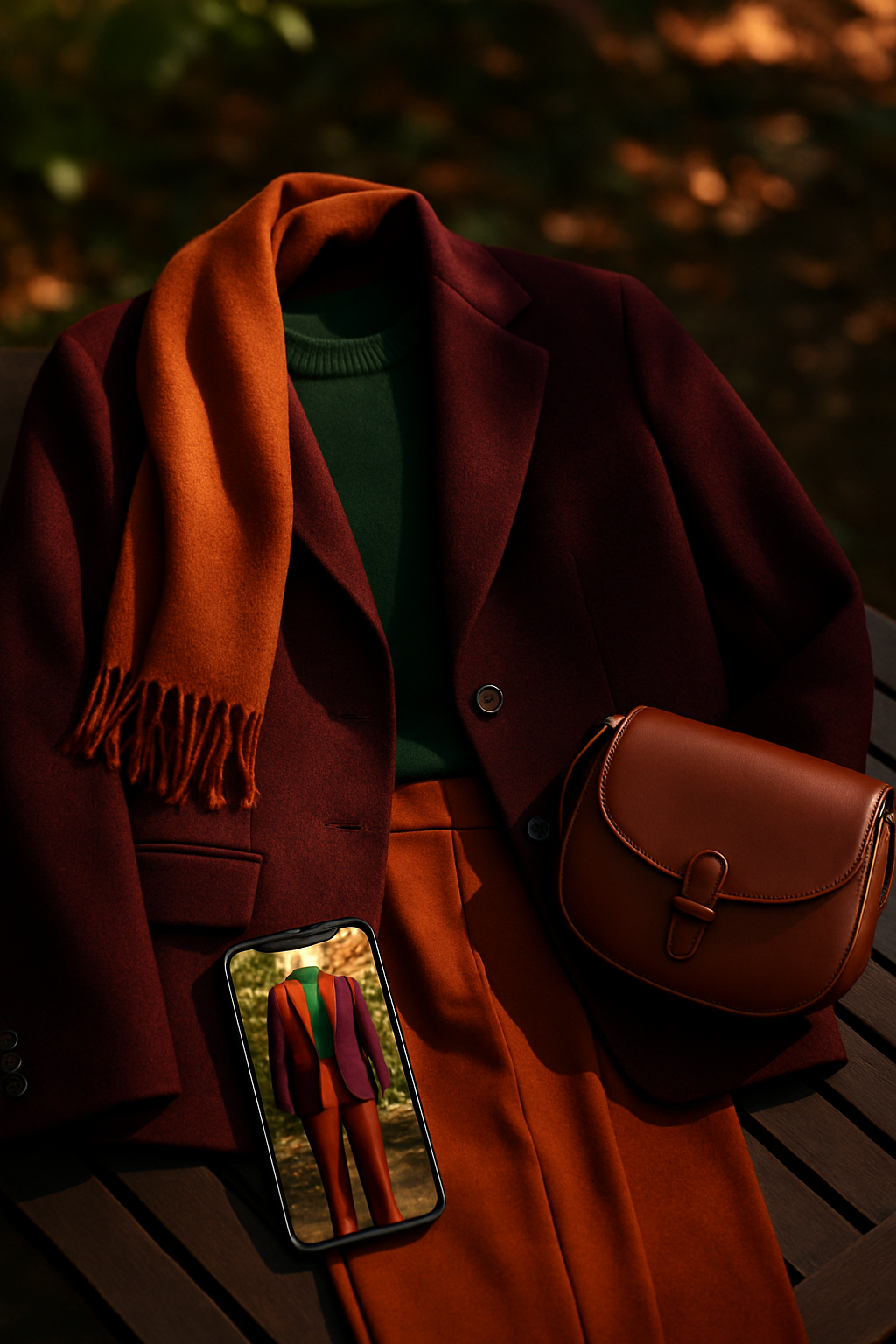
Have you ever bought something online that looked perfect in photos, only to realize it didn’t fit, flatter, or feel right when it arrived? You’re not alone. Online shopping is convenient, but it comes with a major challenge: you can’t see how clothes will actually look on you until they show up at your door. That uncertainty leads to endless returns, wasted money, and frustration.
Fortunately, there’s a solution that’s changing how we shop for fashion: virtual try-on apps. These apps let you see yourself wearing clothes before buying them, using your phone’s camera and a bit of AI magic. But if you’re new to this technology, it can seem a little intimidating. How do they work? Are they accurate? And how can you make the most of them for smarter shopping?
Let’s break it down step by step. Think of this as your friendly, beginner-friendly guide to understanding and using virtual try-on tools confidently.
 LIVE FITTING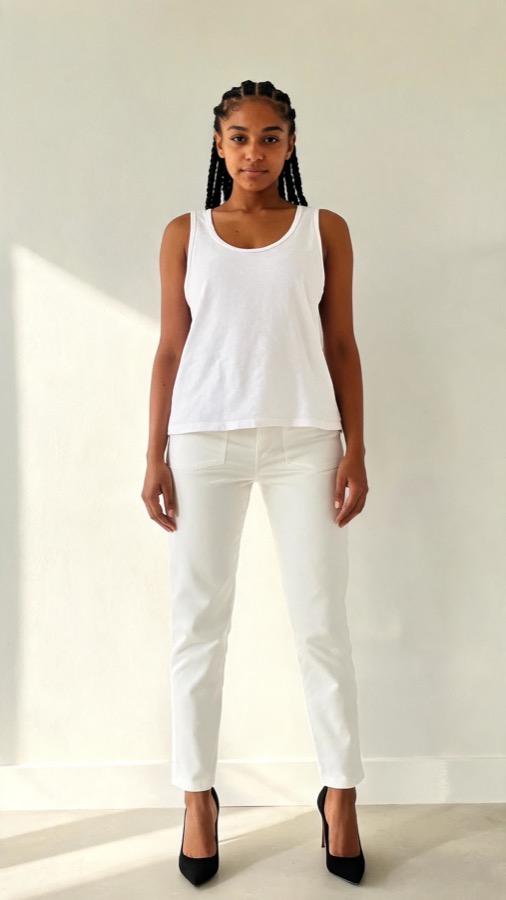

The Problem: Why Online Shopping Still Feels Like Guesswork
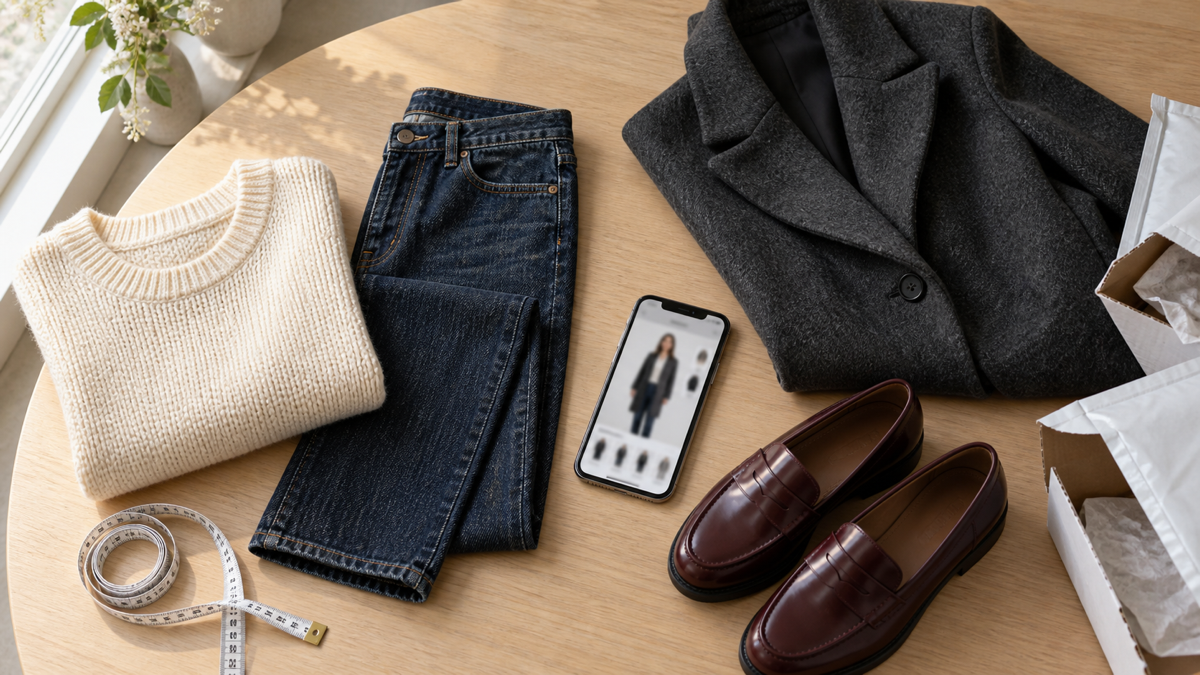
Even though online shopping offers more options and convenience, it lacks one key element: the fitting room experience. Photos and sizing charts can only tell you so much. Every brand uses different measurements, lighting, and styling tricks, so what looks amazing on a model might look totally different on you.
Let me explain why this matters. When you can’t visualize how a garment drapes on your body, you’re forced to rely on guesswork. That leads to:
- Ordering multiple sizes “just in case”
- Returning most of what you buy
- Feeling less confident in your purchases
- Missing out on discovering styles that could truly flatter you
Virtual try-on apps solve this by letting you preview clothes on your digital self before spending a dime. It’s like having a dressing room right on your phone.
Solution 1: Understanding How Virtual Try-On Apps Work
To understand this better, think of virtual try-ons like a mirror powered by artificial intelligence. You upload or take a photo of yourself, and the app overlays clothing items from different brands or stores onto your image. The best ones use 3D mapping, body analysis, and advanced texture rendering to make it look incredibly realistic.
How It Works (Step-by-Step)
- Upload your photo or scan: Most apps ask you to upload a full-body photo or take one directly in the app. Some use your phone’s camera to create a quick body scan.
- Choose an item: Browse clothes, shoes, or accessories from partnered brands or upload your own photo if supported.
- AI simulation: The app places the item onto your digital body model, adjusting for your size, pose, and lighting.
- View and compare: You can see how the outfit looks, change colors or styles, and even record a short clip to share or review later.
It’s an easy, visual way to shop smarter, reduce uncertainty, and build confidence in what you buy.
Solution 2: Choosing the Right Virtual Try-On App
Not all virtual try-on apps are created equal. Some focus on realism, while others prioritize speed or variety. Let’s look at a few key features to consider when choosing the right one for you.
What to Look For
- Accuracy: Does the app realistically show how fabrics stretch, drape, or reflect light?
- Ease of use: Is the interface beginner-friendly, or does it require complex setup?
- Privacy: Are your photos stored securely or deleted after use?
- Style recommendations: Some apps include AI stylists that suggest items based on your preferences or body shape.
Example: Tryfits AI
If you want a balance of realism, simplicity, and style advice, Tryfits AI is a great place to start. It’s a mobile app that lets you virtually try on outfits with just one picture. The AI-powered assistant, your stylist, helps you choose flattering styles and provides realistic video try-ons that move naturally with your body.
Think of it like having a personal stylist and dressing room in your pocket. You can experiment with new trends, preview full outfits, and feel confident before you buy – all without stepping into a store.
Solution 3: Making the Most of Your Virtual Try-On Experience
Once you’ve picked your app, there are simple tricks to get better, more realistic results. Let’s go over a few practical steps that can make all the difference.
1. Use Good Lighting
Natural light helps the app read your features more accurately. Take your photo near a window or in soft, even lighting to avoid shadows.
2. Wear Fitted Clothing
Loose or bulky clothes can distort the shape of your body in the base photo. Wear something form-fitting like leggings and a T-shirt for better accuracy.
3. Stand Naturally
Keep your posture relaxed but upright. Avoid slouching or extreme poses. Think of how you’d stand in front of a mirror when trying something on in person.
4. Compare Before You Buy
Try multiple colors or cuts of the same item. Virtual try-ons let you visualize differences side by side, saving time and money on trial-and-error purchases.
5. Save and Revisit
Keep a folder of your favorite virtual outfits. Over time, you’ll start to notice patterns in what styles flatter you most. It’s a great way to refine your fashion sense and shop more intentionally.
Solution 4: From Fun Tool to Smart Shopping Strategy
At first, using virtual try-ons might feel like a novelty, but when used consistently, they can transform how you approach fashion. Here’s how to integrate them into your regular shopping routine.
Step 1: Create a Virtual Closet
Use your favorite try-on app to build a collection of your go-to pieces. Mix and match them digitally to plan outfits for work, travel, or special occasions.
Step 2: Track What Works
Notice which styles, colors, and fits you keep returning to. Over time, this helps you identify your personal aesthetic and avoid impulse buys that don’t fit your style identity.


Step 3: Try Before You Buy
Before checking out online, pause and run your favorites through your try-on app. It’s like a “final check” before spending your money, reducing returns and buyer’s remorse.
Common Mistakes to Avoid
Even the best tools won’t help if you use them incorrectly. Here are some common pitfalls beginners make and how to avoid them.
1. Ignoring Size Settings
Always input your correct size and measurements. Many apps use AI body recognition, but manual confirmation ensures more accurate results.
2. Using Poor-Quality Photos
Blurry, dimly lit, or cropped photos confuse the app’s AI. Make sure your full body is visible and clearly outlined against a simple background.
3. Expecting 100% Perfection
Virtual try-ons are impressively accurate, but remember, they’re simulations. Treat them as a guide, not a guarantee. Fabrics, lighting, and angles may vary slightly in real life.
4. Skipping the Comparison Step
Don’t stop after trying one item. The power of these tools lies in visual comparison. Test multiple options to see what truly looks best.
5. Overlooking AI Style Advice
Apps like Tryfits AI don’t just show clothes – they learn your preferences and offer tailored recommendations. Ignoring this feature means missing out on personalized fashion insights.
Solution 5: Combining Virtual Try-Ons with Other Smart Shopping Habits
Virtual try-ons are powerful, but they work best alongside other smart shopping practices. Let’s combine technology with timeless shopping wisdom.
Research Before Buying
Read customer reviews, especially those that mention fit and fabric. Combine this information with your virtual try-on visuals for the full picture.
Experiment with Trends Safely
Curious about bold prints or new silhouettes? Try them virtually first. It’s a low-risk way to explore your style comfort zone before committing.
Shop Intentionally
Virtual try-ons help you visualize your wardrobe as a whole. Use them to avoid duplicate items and focus on versatile pieces that work with what you already own.
Plan Ahead for Events
Instead of panic-buying outfits last-minute, plan looks digitally weeks in advance. You can preview options, get opinions from friends, and order with confidence.
Final Thoughts: Smarter Shopping Starts with Visualization
Virtual try-on technology is no longer futuristic – it’s practical, accessible, and surprisingly fun. By using these tools, you’re not just seeing clothes on your body; you’re gaining insight into your personal style, saving time, and making better fashion decisions.
Think of it like this: traditional shopping relies on guessing and returning, but virtual try-ons let you preview, compare, and commit with confidence. It’s the bridge between digital convenience and personal experience.
If you’re ready to make online shopping easier, smarter, and more personal, try starting with Tryfits AI. With realistic video try-ons and personalized style guidance from your stylist, you can finally see how every outfit looks on you before you buy.
Ready to see how that outfit looks on you? Download Tryfits AI today and turn every online shopping session into a confident, stylish experience.