Step-by-Step Guide: How to Create Realistic Virtual Try-Ons with Tryfits AI (No Studio Needed)
Ever wished you could try on clothes without actually changing outfits or stepping into a fitting room? Thanks to AI, that dream is now reality. With tools like Tryfits AI, you can create stunningly realistic virtual try-ons using nothing more than your smartphone. No studio setup, no lighting equipment, no complicated editing-just pure fashion tech magic at your fingertips.
This guide walks you through everything you need to know to create professional-looking virtual try-ons, from preparing your photos to styling tips and sharing your looks online. Whether you’re a fashion lover, content creator, or online shopper, you’ll learn how to make the most out of virtual try-on technology.
Why Virtual Try-Ons Are Changing the Fashion Game
Virtual try-ons aren’t just a fun experiment anymore-they’re becoming an essential part of the modern fashion experience. Today’s shoppers want more than static product images; they want to see how clothes move, fit, and look on real bodies before buying. AI-powered tools make this possible, merging convenience and creativity in a way that feels natural.
 LIVE FITTING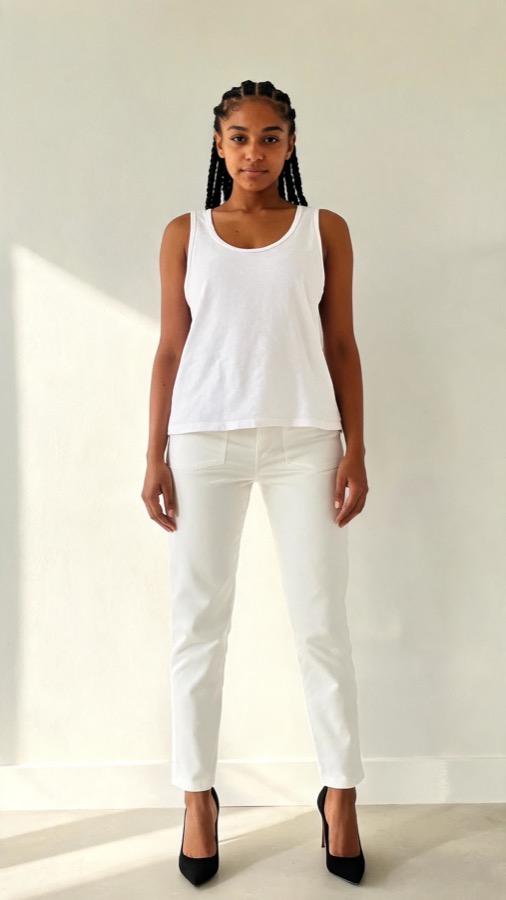

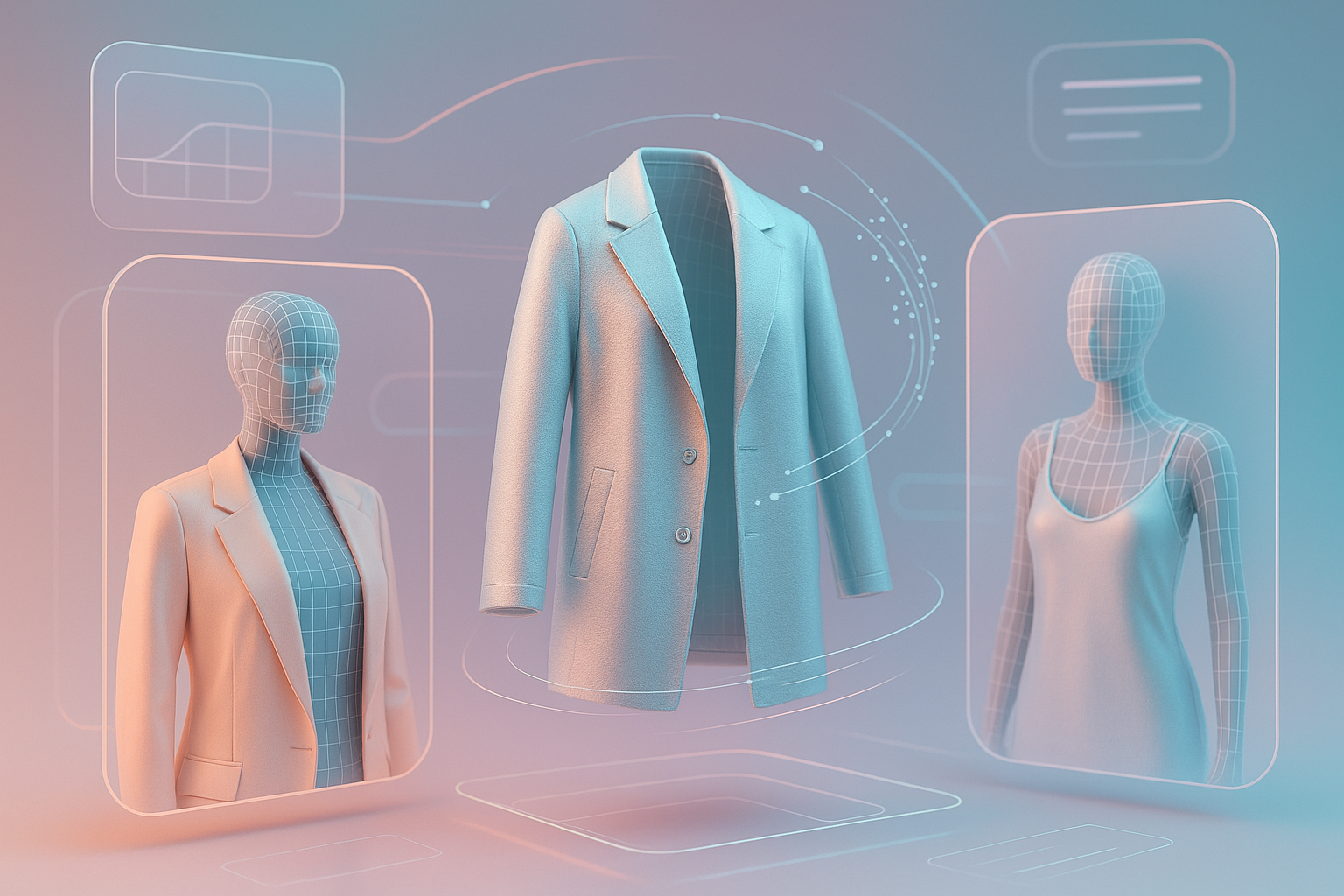
With Tryfits AI, for example, users can upload a simple photo, choose outfits from their favorite stores, and instantly preview how those clothes would look on them in photo or video format. The technology handles everything automatically, adjusting lighting, body proportions, and even fabric textures for hyper-realistic results.
Benefits of Virtual Try-Ons
- Confidence in purchases: See how an outfit looks before you buy it.
- Less return hassle: Tryfits AI helps minimize fit-related returns by showing accurate previews.
- Unlimited outfit experimentation: Try on anything, anytime, without needing to physically change clothes.
- Creative freedom: Mix and match pieces to build your personal digital wardrobe.
Step 1: Prepare Your Base Photo
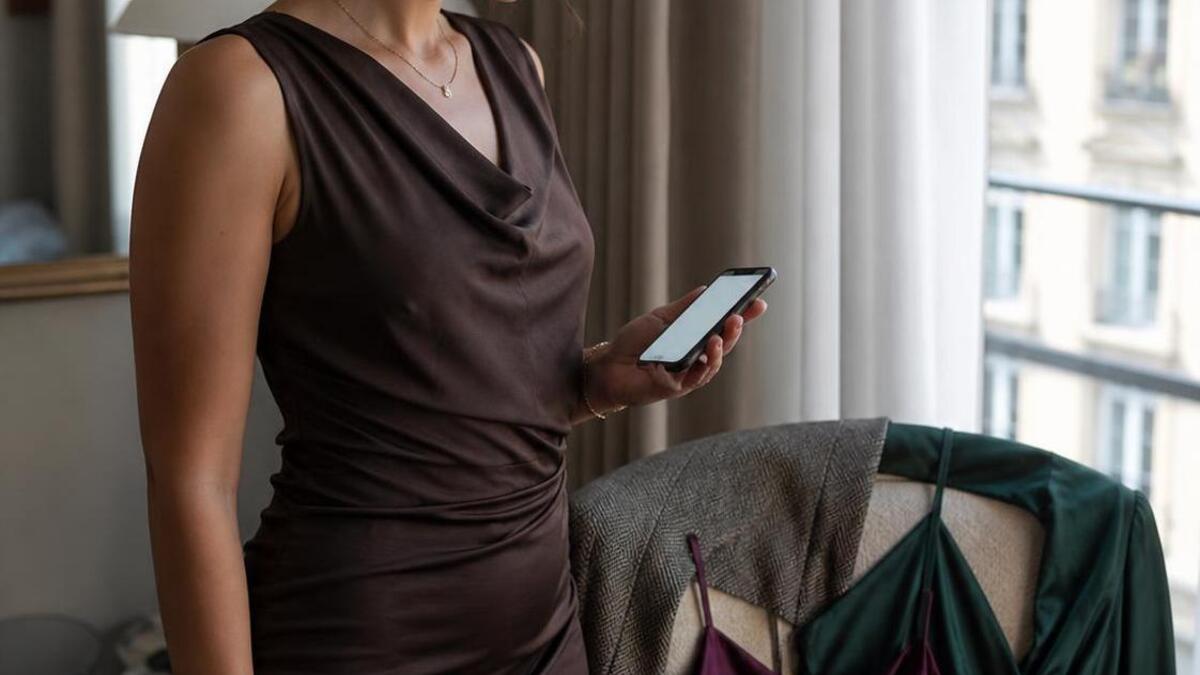
The secret to a great virtual try-on starts with your photo. You don’t need a professional camera setup-just a clear, well-lit image. The more natural and straightforward the picture, the better the AI can generate realistic results.
Tips for the Perfect Try-On Photo
- Lighting: Use natural daylight if possible. Stand near a window for even, flattering light.
- Background: A clean, clutter-free background helps the AI focus on you. A plain wall works best.
- Pose: Stand upright, facing the camera. Keep your arms relaxed and slightly away from your body.
- Outfit: Wear fitted clothing in neutral tones. This helps the AI align garments more accurately.
- Camera Angle: Keep it eye-level. Avoid extreme high or low angles for the most natural result.
Once you have your photo ready, save it in your phone gallery. That’s all you need for the next step.
Step 2: Upload to Tryfits AI
Go to Tryfits AI and open the app. The process is designed to be effortless-no editing or setup required. Simply upload your image, and the AI takes care of the rest.
How the Upload Works
- Select your base photo. Choose the one that best represents your body and pose.
- Pick the clothing you want to try on. You can browse from trending styles, upload your own item photos, or request outfit suggestions from your stylist, the app’s AI stylist.
- Generate your try-on. The AI processes your image in seconds, producing a realistic virtual try-on that looks as if you’re wearing the outfit in real life.
The results are impressive-Tryfits AI automatically matches lighting, fabric texture, and even clothing drape to your body’s proportions. The image looks photorealistic enough to use for social media or personal styling references.
Step 3: Experiment with Styles and Outfits
One of the biggest advantages of virtual try-ons is creative freedom. You’re not limited by what’s physically in your closet or store inventory. You can experiment endlessly with looks, combinations, and aesthetics until you find your perfect style.
Ideas to Get Started
- Compare fits: Try the same outfit in different sizes or cuts to see which flatters your shape best.
- Build seasonal looks: Test capsule wardrobe ideas, layering options, or travel outfits.
- Mix brands: Pair your favorite Zara top with Levi’s jeans or a designer bag to visualize balance and proportions.
- Trend testing: Unsure if cargo skirts or oversized blazers suit you? Try them virtually before committing.
- Vacation planning: Tell your stylist where you’re going, and it will suggest outfit options perfect for that destination.
This phase is where the real fun begins. It’s like having a personal stylist and digital closet combined in one place.
Step 4: Use your stylist for AI Style Advice
Virtual try-ons aren’t just about visuals-they’re about finding what truly fits your vibe and body. That’s where Your stylist, the AI fashion assistant built into Tryfits AI, comes in. Your stylist analyzes your preferences, body shape, and trends to give tailored outfit advice.
How your stylist Helps You Style Smarter
- Personalized recommendations: Your stylist suggests looks based on your taste, body type, and color palette.
- Scene-based styling: Planning a date night or attending a festival? Your stylist curates outfit ideas for the occasion.
- Trend forecasting: Stay ahead with insights on trending pieces you might love.
Think of your stylist as your on-demand stylist, giving quick feedback like a friend who knows your fashion sense inside out.
Step 5: Refine and Save Your Looks
Once you’ve generated a few virtual try-ons, you can start refining. Save your favorite looks, create mood boards, and even compare options side by side to see which combination works best.
Pro Tips for Editing and Reviewing
- Compare lighting: Use the same photo setup for multiple try-ons for consistent results.
- Focus on proportions: Look at how clothing length, sleeve cuts, and waistlines align with your body.
- Save variations: Keep different color or style versions of the same outfit for quick decisions later.
When you’re satisfied, you can download your try-ons or share them directly from the app for feedback from friends or followers.
Step 6: Share or Shop Your Virtual Try-Ons
Once you’ve found your perfect look, you can go one step further: shop the pieces directly or share your outfits online. Many users use Tryfits AI to showcase their digital looks on Instagram, Pinterest, or TikTok. It’s a smart way to test audience reactions before making purchases or building content.


Ways to Use Your Try-Ons
- Social Media: Create “Try Before You Buy” posts or styling videos using your virtual try-ons.
- Online Shopping: Use your try-on results to confidently choose size and fit when ordering.
- Wardrobe Planning: Visualize how new items will blend with your existing wardrobe.
- Brand Collaborations: Influencers can use virtual try-ons for pitch decks and outfit previews.
Because Tryfits AI’s visuals are so realistic, you can even use them for pre-visualizing brand partnerships or styling lookbooks without ever leaving your home.
Step 7: Keep Improving Your Try-Ons
Like any creative skill, your virtual styling gets better the more you practice. Over time, you’ll develop an eye for lighting, poses, and outfit curation that maximizes realism.
Advanced Tips
- Experiment with angles: Try side profiles or full-body shots for dynamic try-ons.
- Incorporate scenery: Use Tryfits AI’s background options to preview how outfits look in different settings-like beaches, cities, or cafes.
- Stay updated: The AI is continuously improving, so check the app for new features and clothing databases.
Each new try-on teaches you more about your personal style and helps refine your digital wardrobe vision.
Common Mistakes to Avoid
Even though AI handles most of the work, a few missteps can affect the quality of your try-ons. Here are some pitfalls to watch out for:
- Low-quality photos: Blurry or shadow-heavy images make it harder for AI to align clothing accurately.
- Inconsistent poses: Avoid switching between sitting, crouching, and standing poses. Stick to a consistent angle for best results.
- Busy backgrounds: Cluttered surroundings can confuse the AI and reduce visual realism.
- Incorrect lighting: Harsh indoor light can distort color accuracy. Natural daylight works best.
Keep these in mind, and your virtual try-ons will look seamless and professional every time.
Why You Don’t Need a Studio Anymore
One of the biggest myths about creating fashion visuals is that you need a studio setup-backdrops, softboxes, and all. With AI tools like Tryfits AI, that’s no longer true. The system automatically handles lighting corrections, fabric rendering, and perspective adjustments to give you that editorial-quality result without professional gear.
In fact, many creators now rely entirely on virtual try-ons to build their online presence. They can generate high-quality outfit content anywhere, anytime, with zero logistics involved. It’s sustainable, efficient, and surprisingly empowering.
Real-World Examples
1. The Online Shopper
Jenna loves online shopping but hates returns. With Tryfits AI, she uploads a single selfie, tests multiple dress options, and confidently orders the one that looks perfect on her digital model. Her return rate drops to zero, and shopping becomes fun again.
2. The Creator
Marcus, a lifestyle influencer, uses Tryfits AI to visualize outfits before photoshoots. This lets him plan cohesive color themes and styles ahead of time, saving both time and money. He even teases try-on looks on Instagram Stories before revealing the real outfit later.
3. The Brand Enthusiast
Sofia runs a small boutique and uses Tryfits AI to show customers how her new arrivals might look on different body types. It boosts engagement and sales while giving customers more confidence in their purchases.
Conclusion: Your Closet, Upgraded with AI
Creating realistic virtual try-ons is no longer something only fashion studios or designers can do. With tools like Tryfits AI, anyone can visualize how clothes fit, experiment with styles, and express themselves creatively-all from their phone.
So whether you’re exploring new trends, planning outfits, or simply curious about how something might look on you, AI-powered try-ons are your gateway to smarter, more confident fashion choices.
Ready to see how that outfit looks on you? Head to Tryfits AI to create your first virtual try-on today. All you need is a photo and a sense of style-the rest is just a tap away.